Workflows
The routine, on its own.
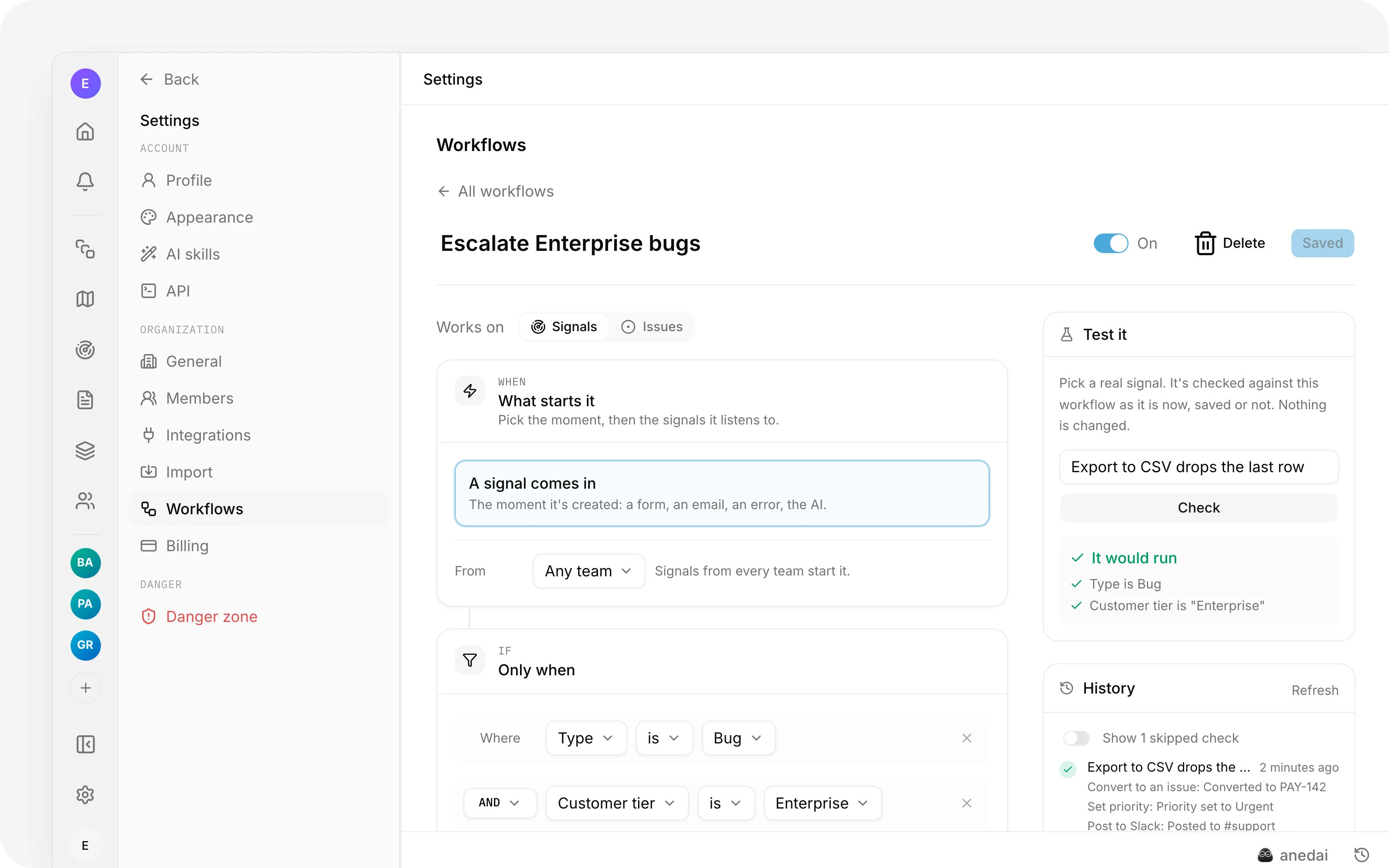

Rules that run on their own: when something happens to a signal or an issue, check what's true about it, then do the next steps for you.
Why Workflows
Why it saves time.
- 01
The routine moves itself.
Bugs become issues, key accounts get flagged, reviews get handed off, without anyone remembering to.
- 02
Rules you can read.
“When a signal comes in, if it's a Bug from an Enterprise customer, then convert it and post to #support” is the whole rule; there's no script to maintain.
- 03
No guessing why it didn't run.
Every skip says what didn't match, so a rule that “does nothing” tells you why.
- 04
Safe to try.
Test it on a real signal or issue first; nothing changes until you save and switch it on.
What it does
Inside Workflows.
The details
Small things that add up.

Try it on a real one
Pick a signal or an issue and see, check by check, whether it would run. Nothing changes.

Anywhere on the roadmap
Conditions and actions pick a place on the roadmap from the plan down to the issue list.

Messages that fill themselves in
The title, the customer and a link, dropped into comments, notifications and Slack posts.
See why it ran, or didn't

Every run, every step, and the reason a workflow was checked and skipped.
FAQ
Questions, answered.
Who can create workflows?
Workspace admins, in Settings → Workflows. Six examples start you off: turn bug reports into issues, flag key accounts, triage new signals, hand off for review, flag urgent issues, and bump issues customers keep asking for.
Can a workflow set itself off again?
No. A workflow never re-triggers itself, and a chain of workflows, one's action starting the next, stops after three.
Why didn't my workflow run?
Its history says. Every time it was checked and skipped, the run lists what didn't match, for example that the signal is in another team. Skipped notes are kept for a week.
Does it run again every time I edit something?
Not when it has conditions on “comes in or changes” or “any field”: it runs when they become true. A signal set to Bug runs it once; editing its title afterwards doesn't.
Connected
Works with


One connected product memory for the people and AI building your product.
Bring your tools, your docs and your team. AnedAI keeps the story between them.