UX decisions that stick
The reasoning behind a flow travels with it, into every issue and review.
For designers
Turn flows, interaction notes and visual direction into implementation-ready work. Review the live interface early and keep the reason behind every detail attached to the build.
What changes
01
Capture the audience, behavior, states and design direction in the plan. The implementation starts with the full experience instead of a static handoff.
02
AnedAI runs the app in a live preview while it builds. Catch spacing, responsive behavior and interaction problems before they become review-cycle churn.
03
Feedback stays connected to the issue and resulting code. Everyone can see what changed, why it changed and whether the final result meets the intent.
In the product
The reasoning behind a flow travels with it, into every issue and review.
The PRD is built from the same decisions, so what ships is what you designed.
Ask AnedAI
The questions designers ask every week. Today each one is a hunt across tools. In AnedAI it is one question, with the sources attached.
Without AnedAI
 NotionFind the research notes
 SlackSearch feedback threads
 IntercomRead support tickets
3 tools, and you still have to stitch the answer together.

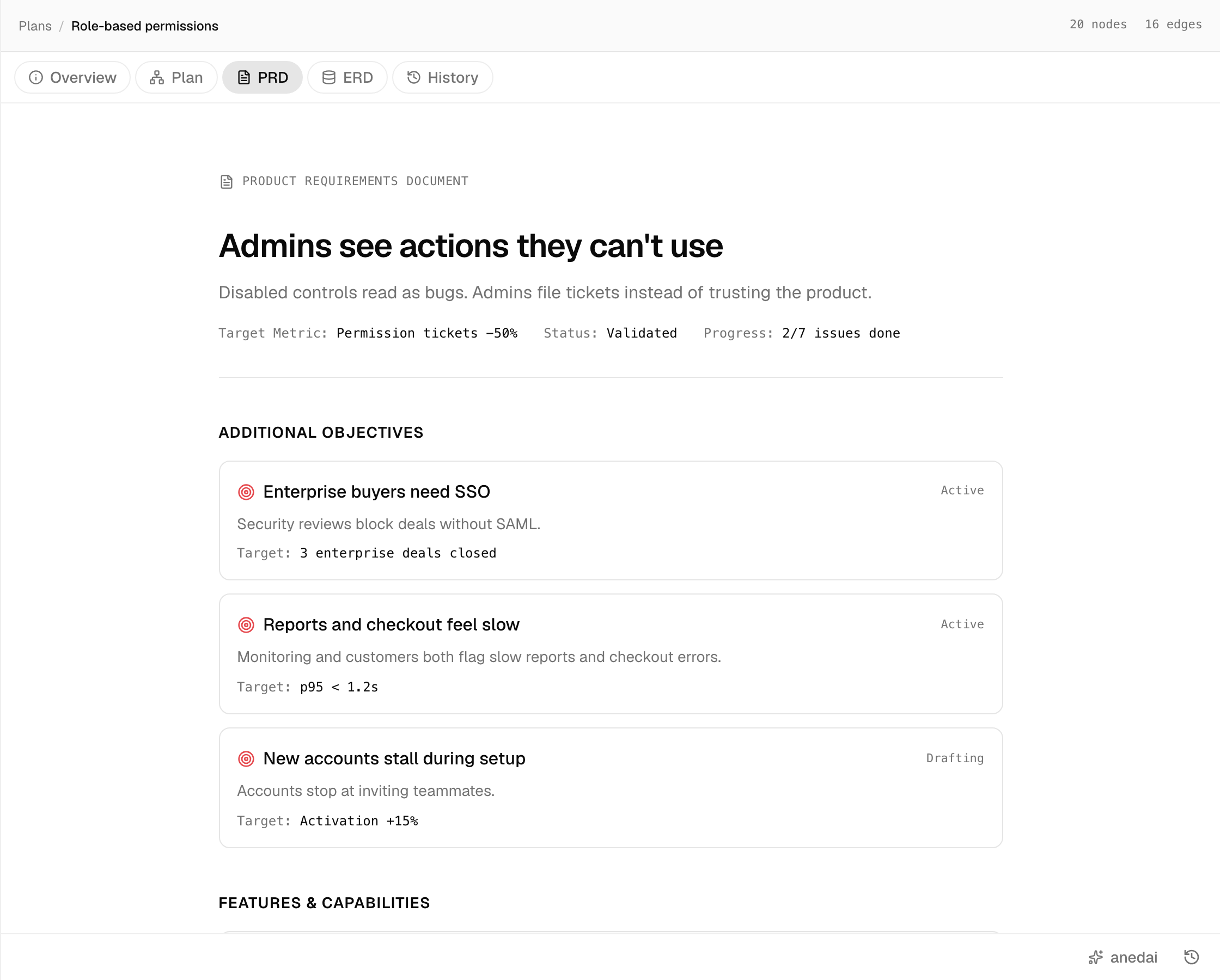
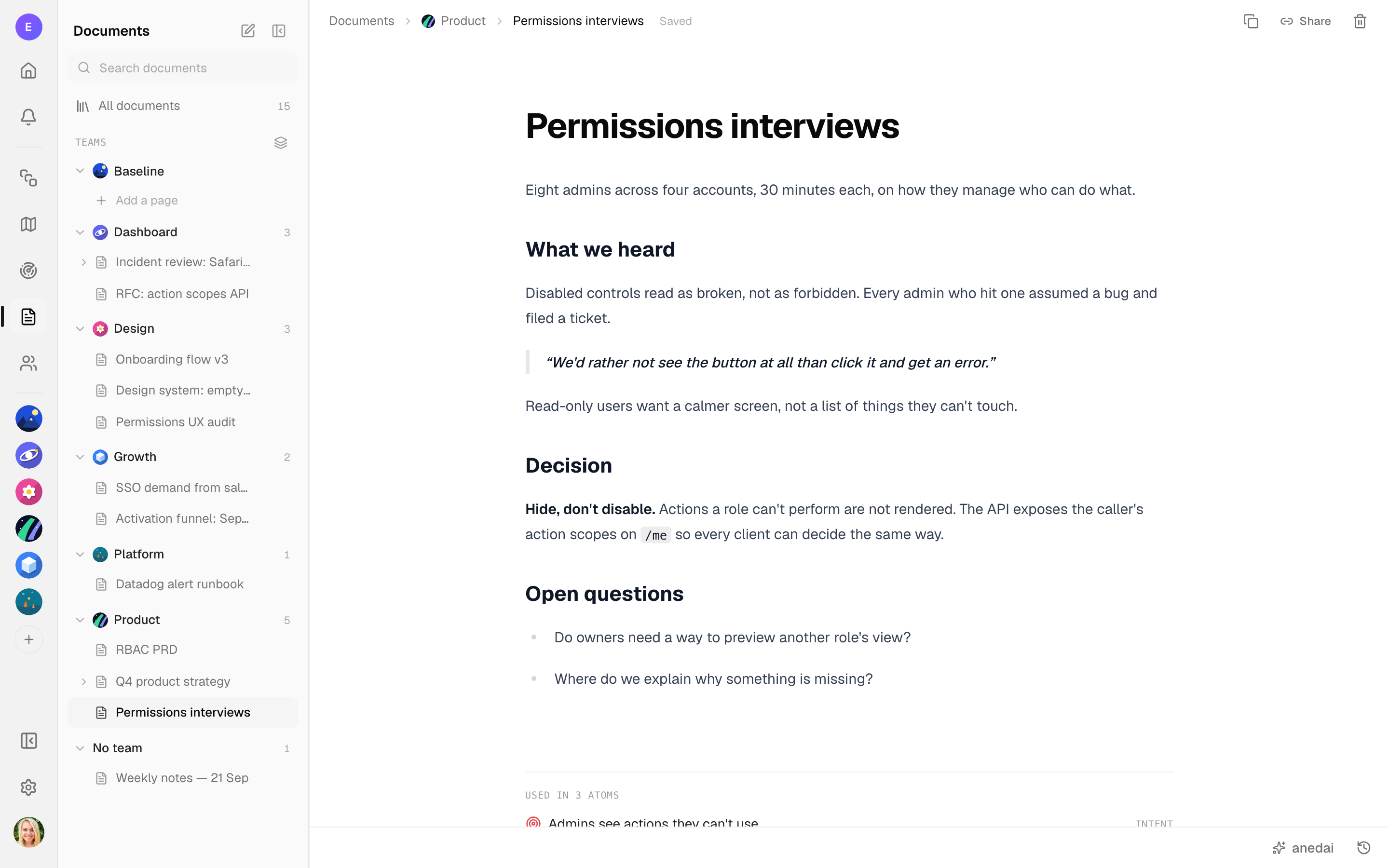
@anedai What did users say about disabled buttons?
anedaiAgent
All eight admins read a disabled control as broken. One said: “We'd rather not see the button at all than click it and get an error.”
One question one answer, with the sources linked.
Bring a flow or interface brief and review it in the browser, not a handoff queue.