AI build and Studio
Assign an issue. Review a pull request.
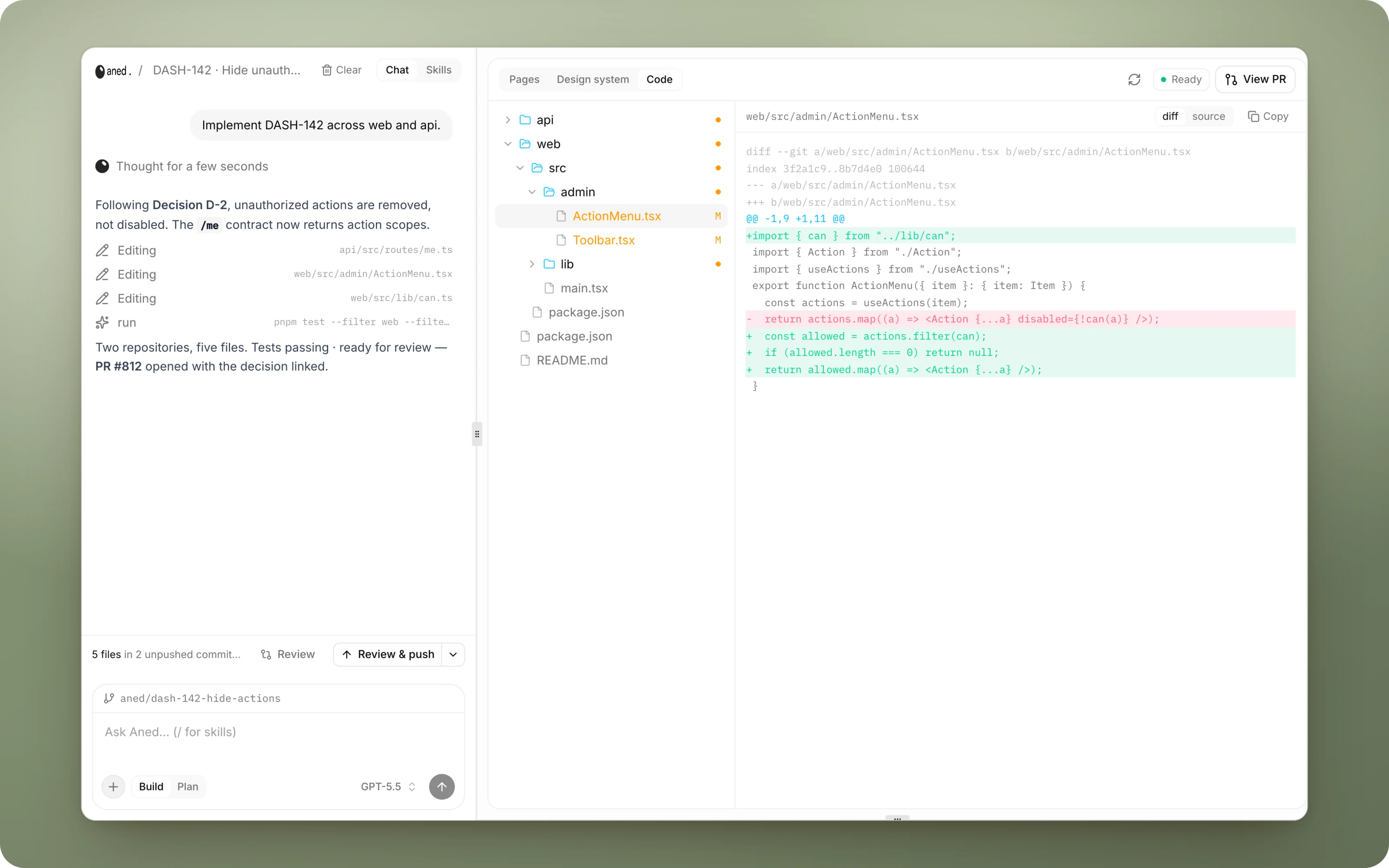
Assign an issue to Aned AI and get a tested pull request on GitHub, or open the Studio and build alongside it in a cloud sandbox with a live preview.
Why AI build
Why it saves time.
- 01
The long tail builds itself.
Routine issues go to the agent, and your engineers spend their time reviewing pull requests rather than writing boilerplate.
- 02
No context briefing.
The agent starts from the plan, the decisions and the linked documents, the same context a teammate would ask for, already attached.
- 03
You stay in control.
Approach first, optional approval before any code, tests and review before the push, and a normal GitHub pull request at the end.
- 04
Status updates itself.
In Progress → In Review → Done follows the run and the merge, with no manual board updates.
- 05
Faster UI iteration.
Point at the page, mark it up, and send it to the agent, instead of writing a paragraph describing which button you mean.
What it does
Inside AI build.
anedai AI
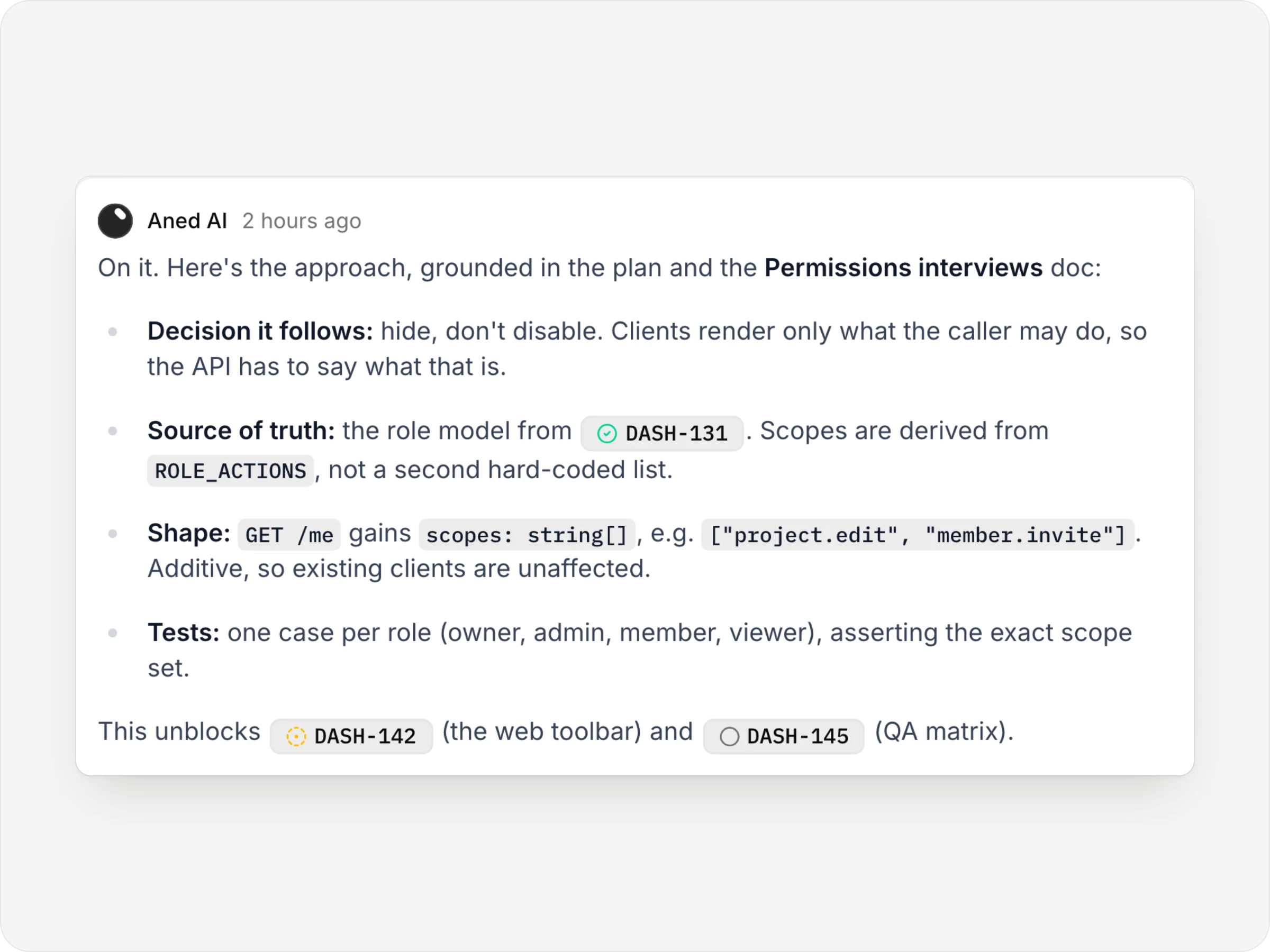
You stay in control.
Start and follow builds from the chat. Blocked work waits, and every run ends in a normal GitHub pull request.
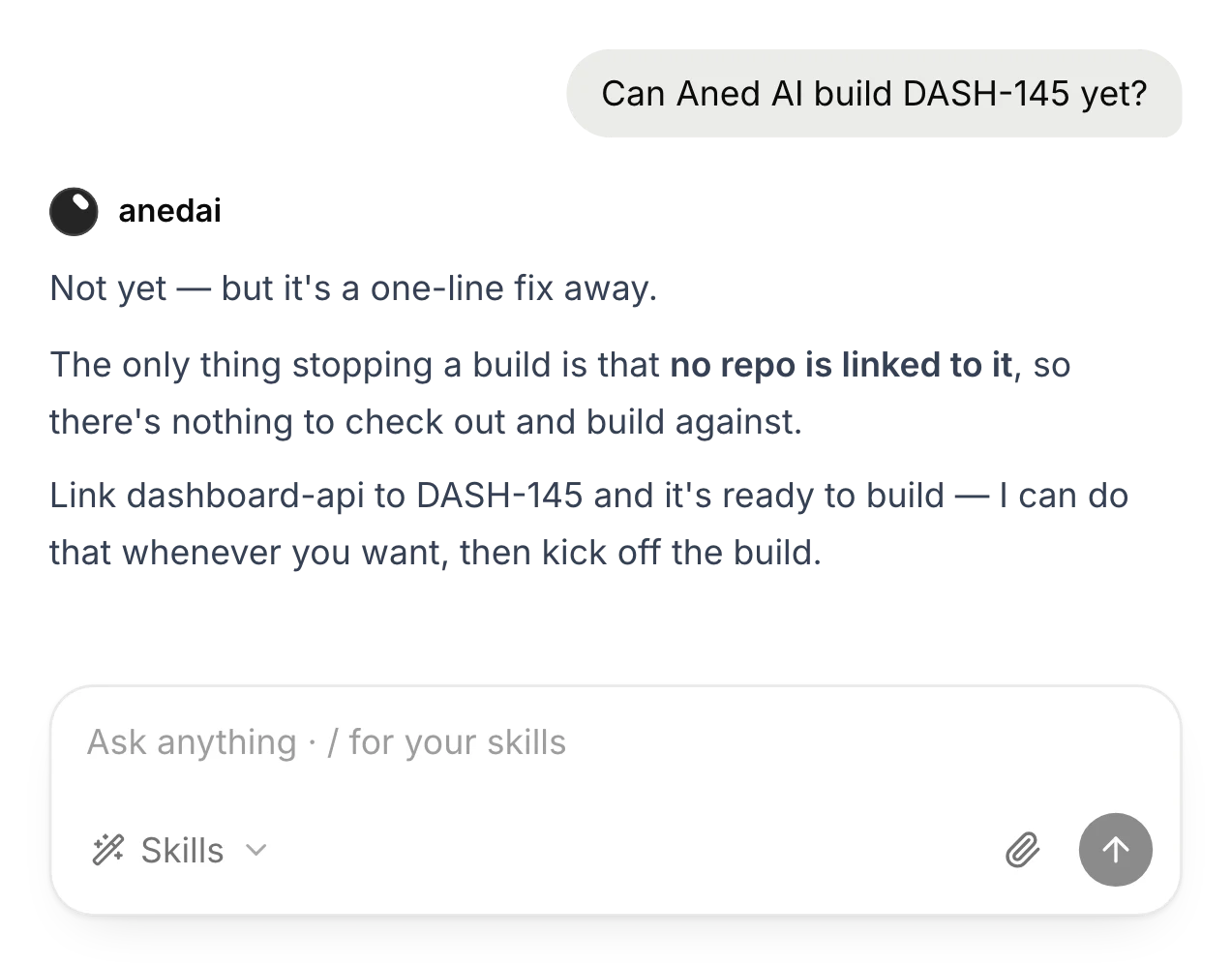
Can it build yet?
It says what's in the way, here a missing repo, and offers to fix it.
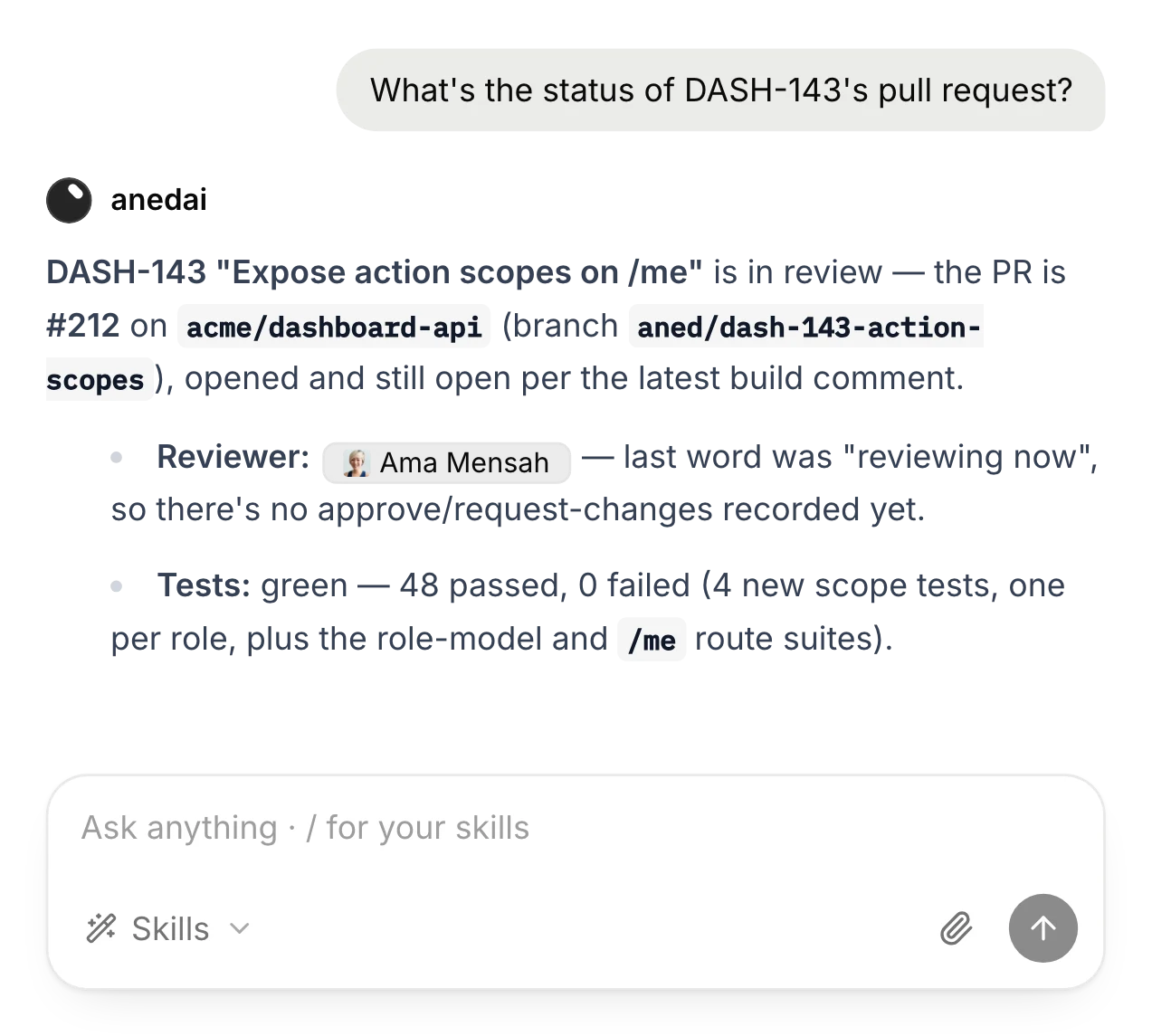
Ask where a build is
The pull request, its tests and the issue's status, in one answer.
The details
Small things that add up.
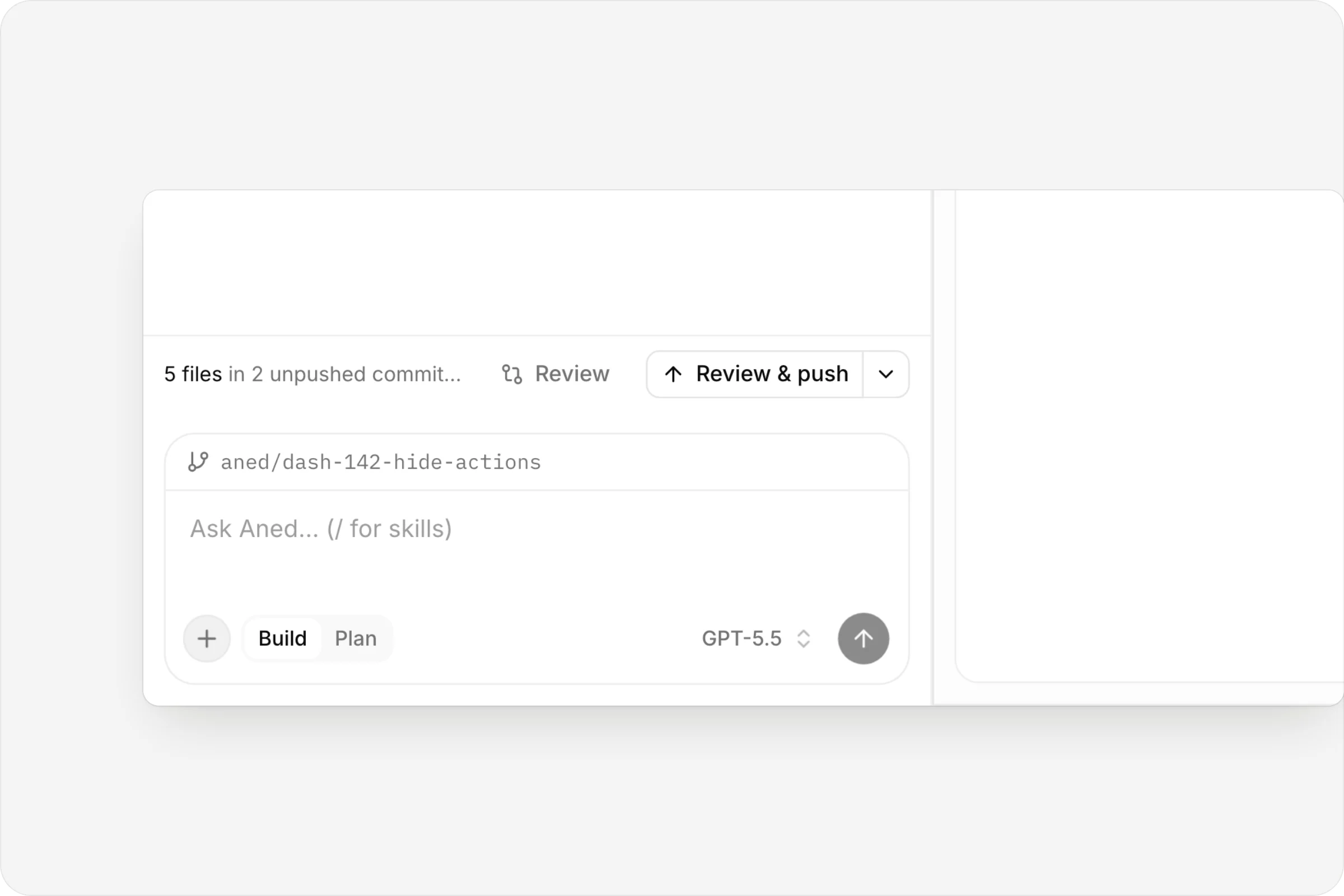
Review, then push
Unpushed commits, Review and Review & push, above the Build/Plan composer.
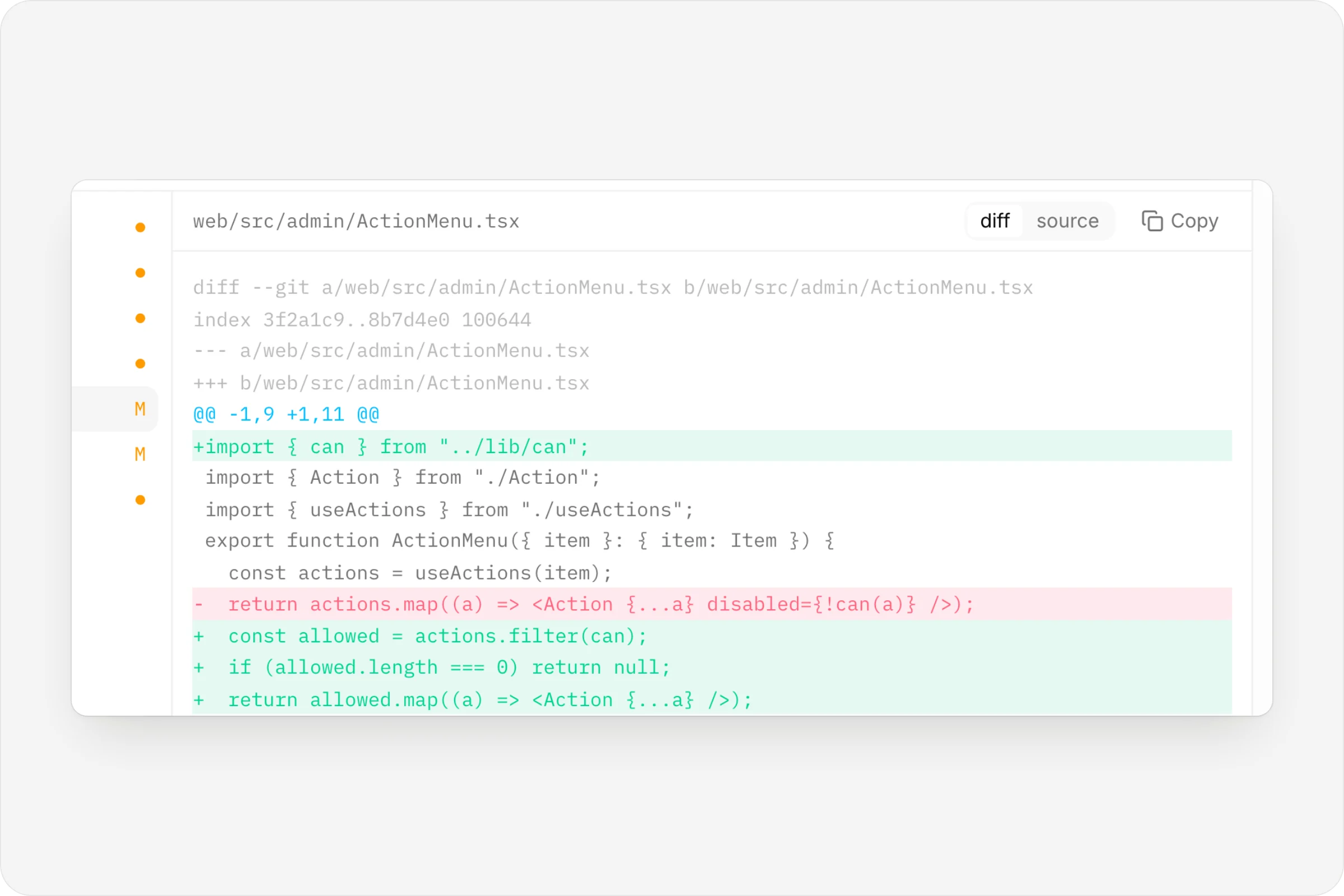
The diff it wrote
Additions and removals, file by file.
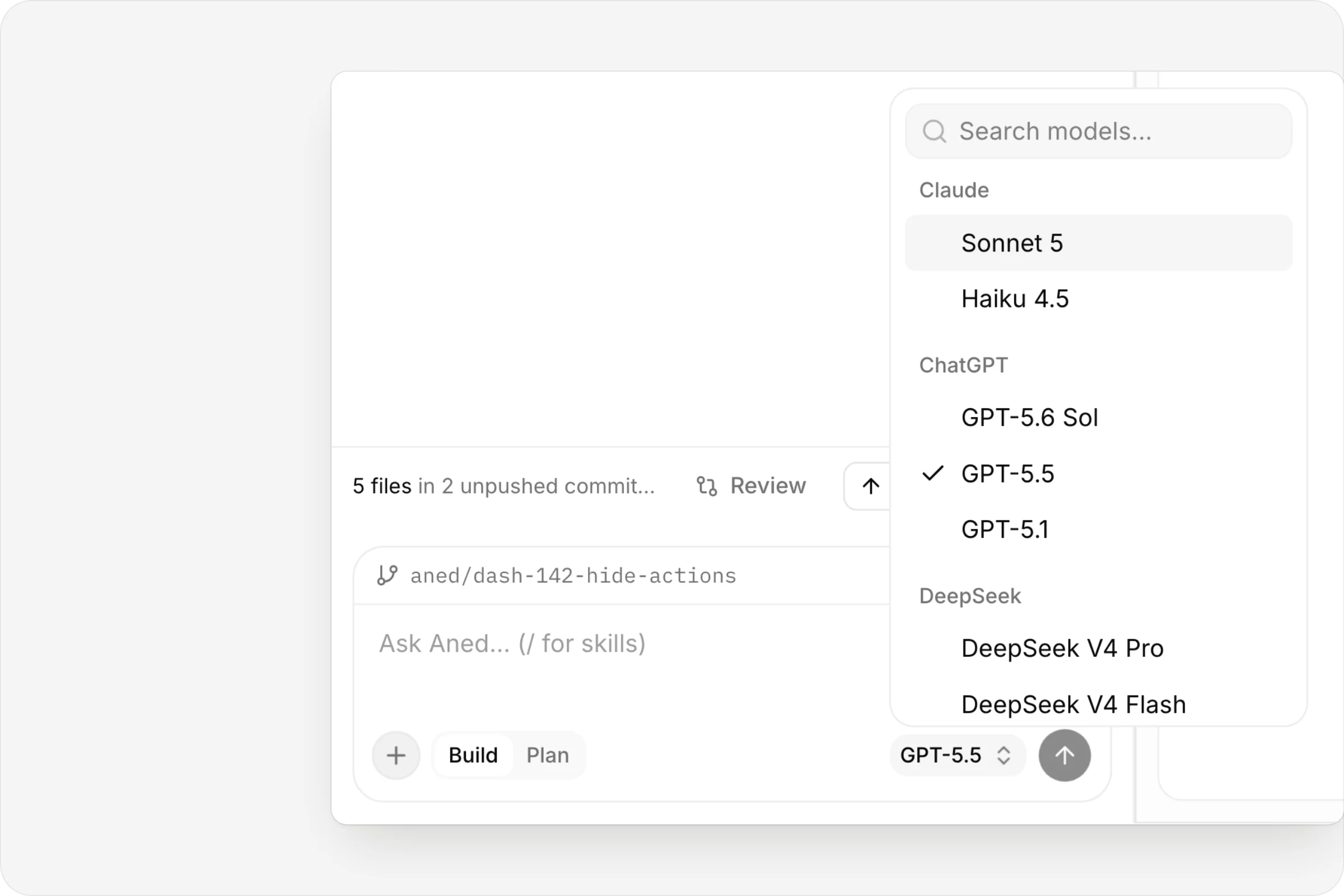
Pick the model
Claude, GPT and DeepSeek models, per run.
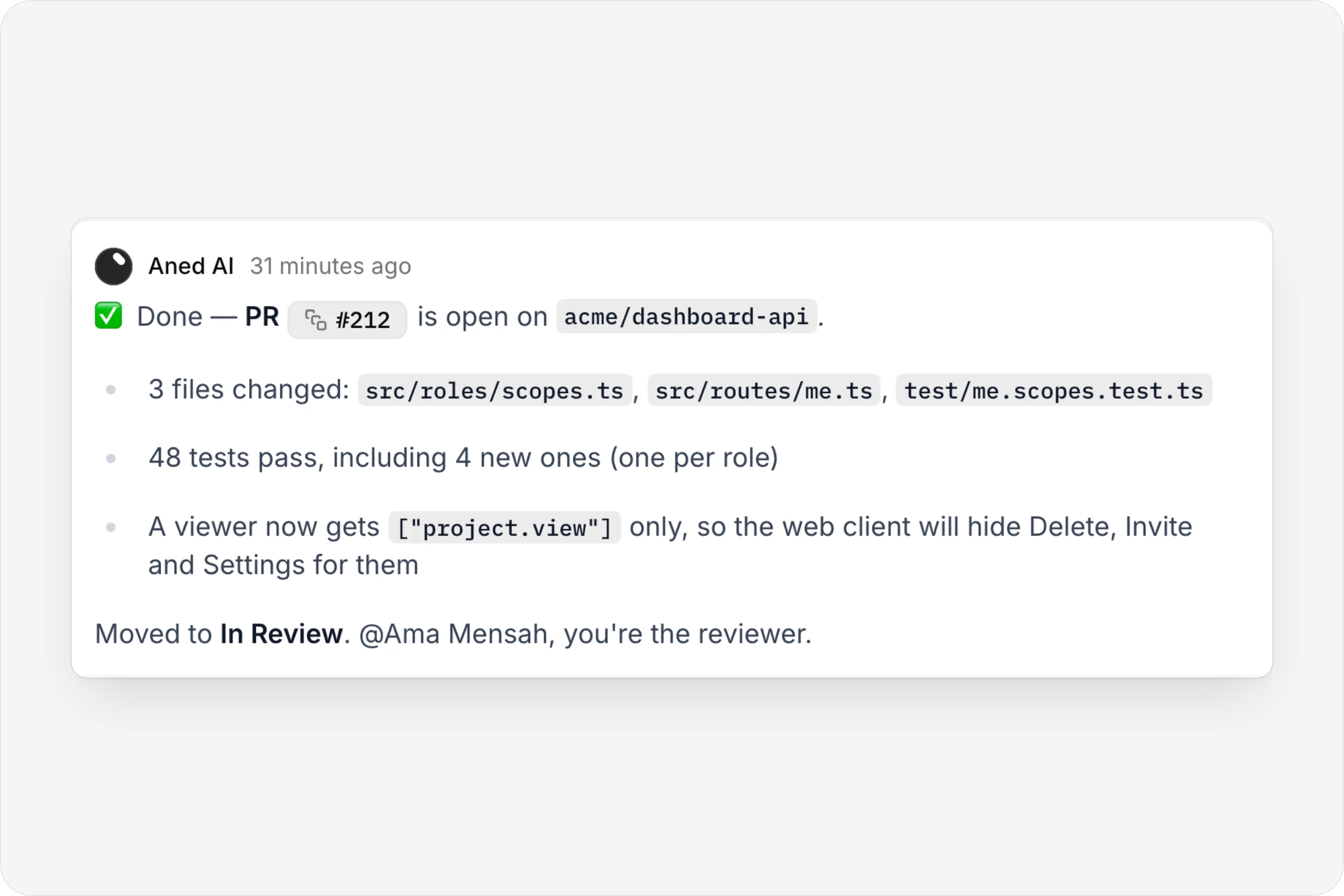
It reports back
PR open, tests passing, moved to In Review.
FAQ
Questions, answered.
Can I approve the plan before any code is written?
Yes. The agent always posts its approach first, and if your repository requires approval it waits at Awaiting approval.
How do I ask for changes?
Leave a review comment addressed to anedai on the pull request. It re-runs the work on the same branch.
What happens if I unassign the agent?
The run is canceled and its sandbox shuts down.
Which models can it use?
A range including Claude (Opus, Sonnet and Haiku), GPT and DeepSeek. Set a workspace default, or pick one per run. Some models require the Pro plan.


One connected product memory for the people and AI building your product.
Bring your tools, your docs and your team. AnedAI keeps the story between them.