Repos
Every issue builds in the right repository.
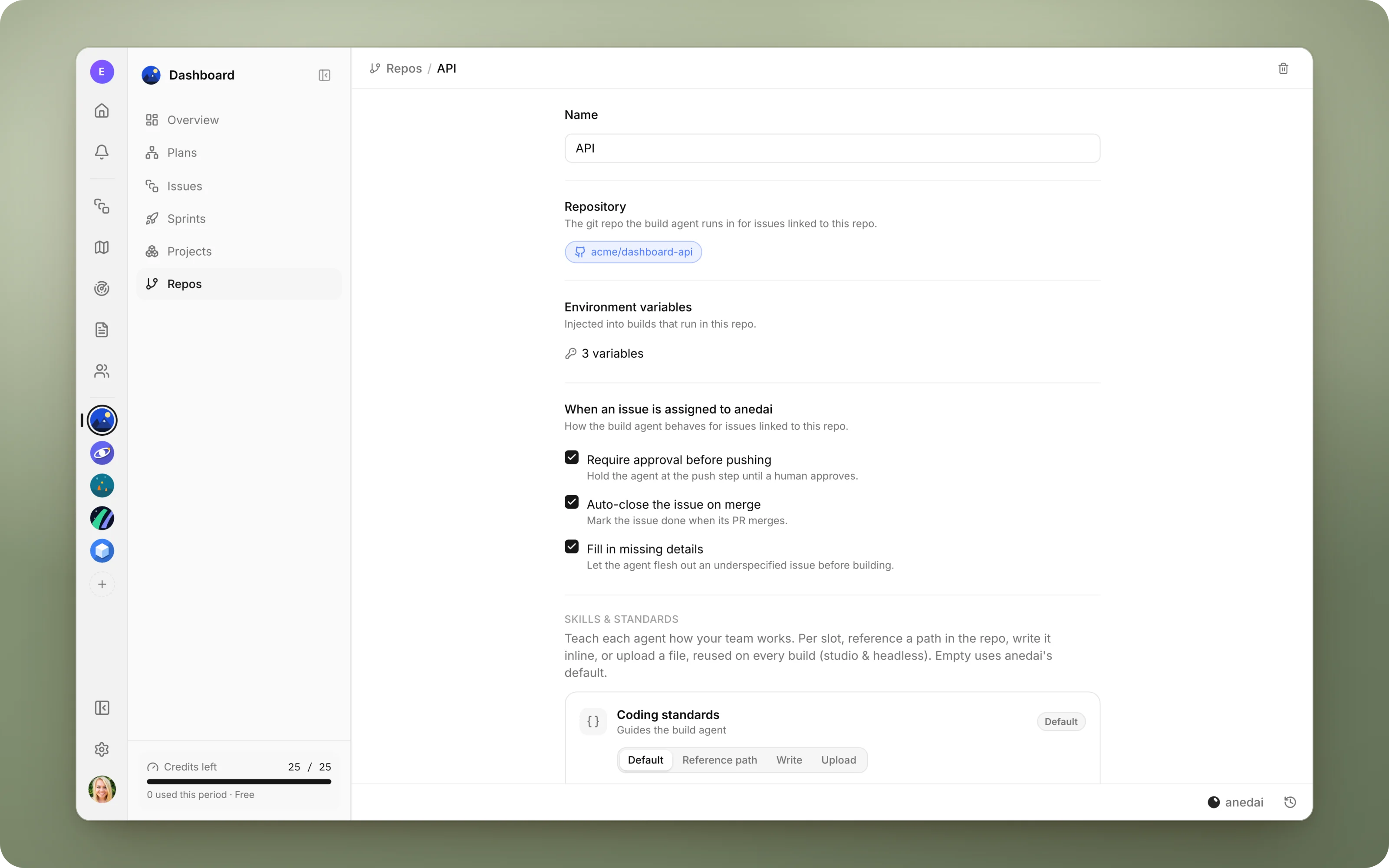
Connect your GitHub repositories to a team, link issues to them, and Aned AI builds each issue in the right repository and opens the pull request there.
Why Repos
Why it saves time.
- 01
The agent always works in the right place.
Each issue names its repository, so a change to the API doesn't land in the web app.
- 02
Builds run the way yours do.
Per-repo environment variables mean tests and servers start with the configuration the team already uses.
- 03
You stay in control of risky repos.
Turn on approval where a change needs a human first, and leave it off where the agent can just build.
- 04
One branch, one pull request per run.
Nothing is pushed to your default branch, and every change arrives as a reviewable PR.
What it does
Inside Repos.
- 01
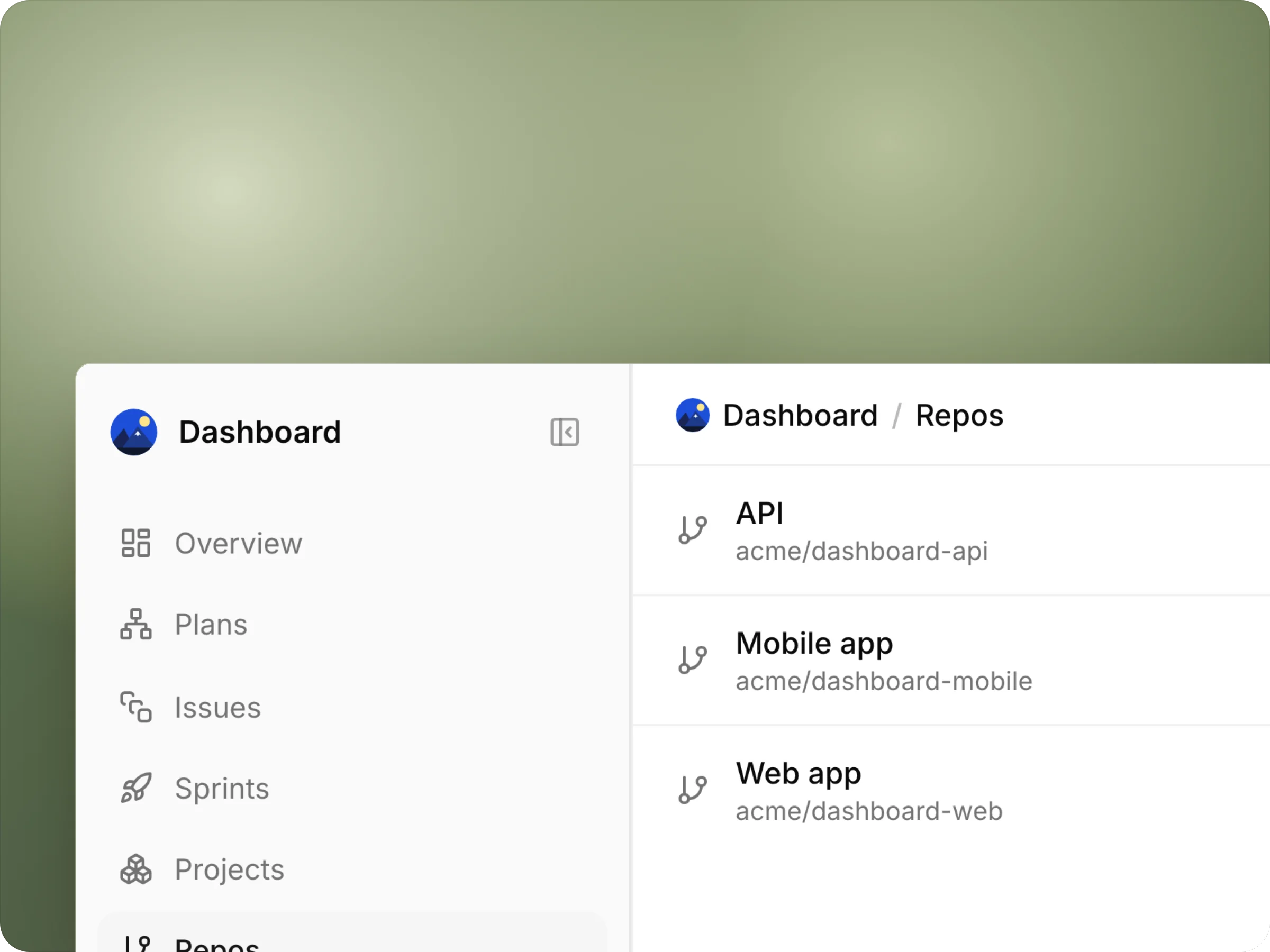
Every repository your team works in
A team's repos in one list: a web app, an API, a mobile app, each linked to its GitHub repository.
- 02
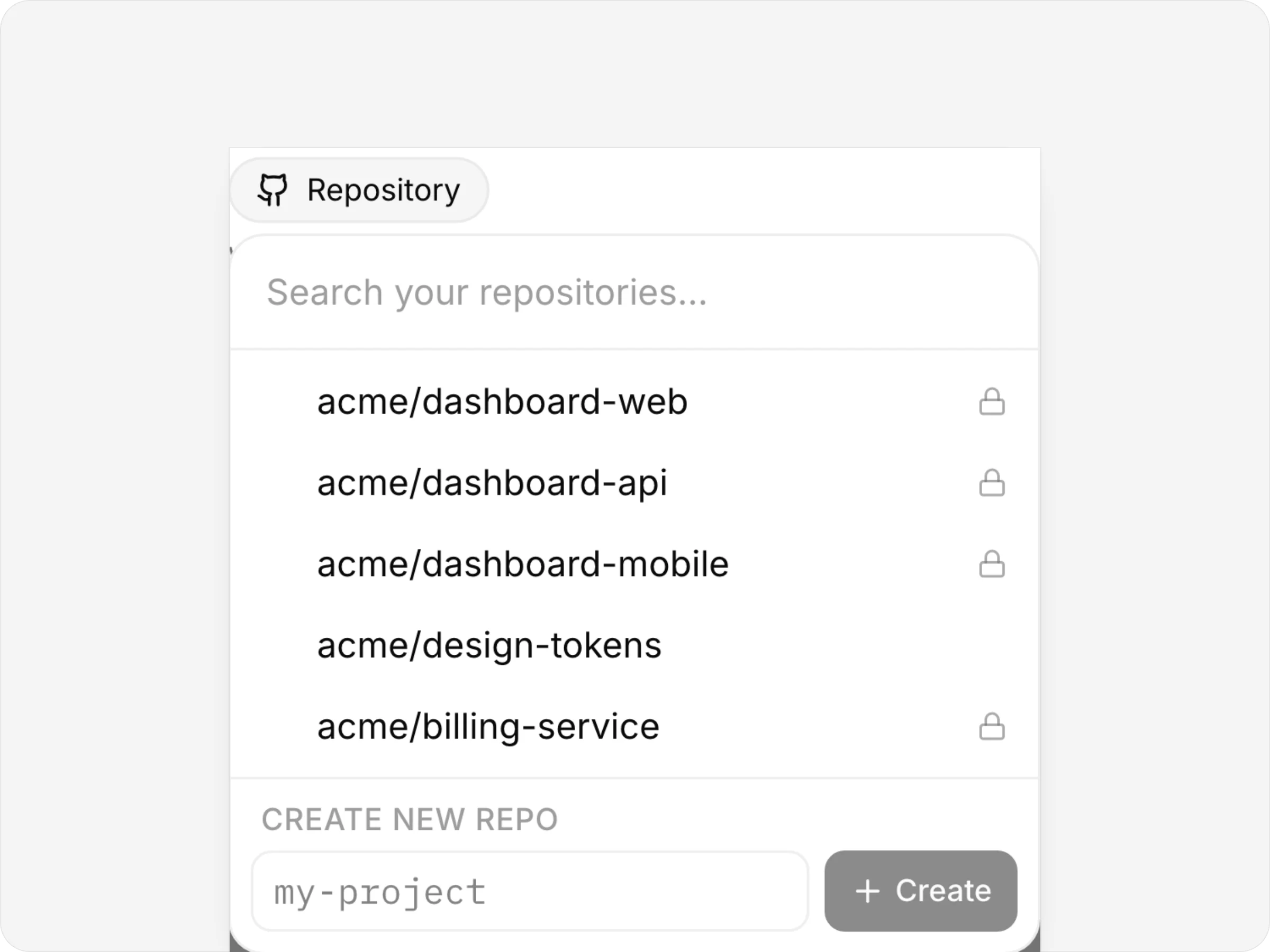
Connect one in a click
Pick a repository from your GitHub account, private ones included, or create a new one in your organization without leaving AnedAI.
- 03
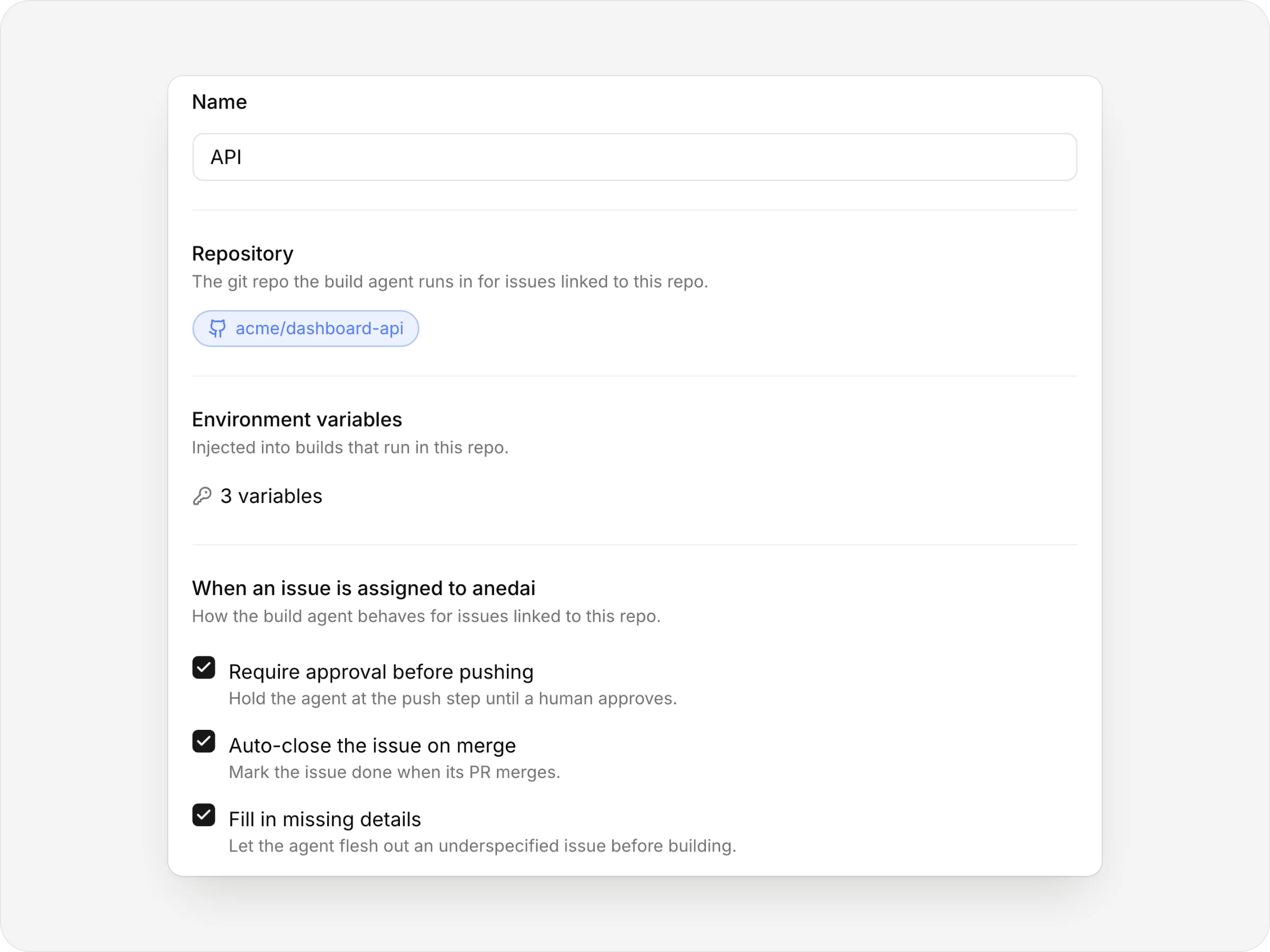
Set how the agent works there
The repository it clones, the environment variables its builds get, and whether it waits for a go-ahead before building.
The details
Small things that add up.
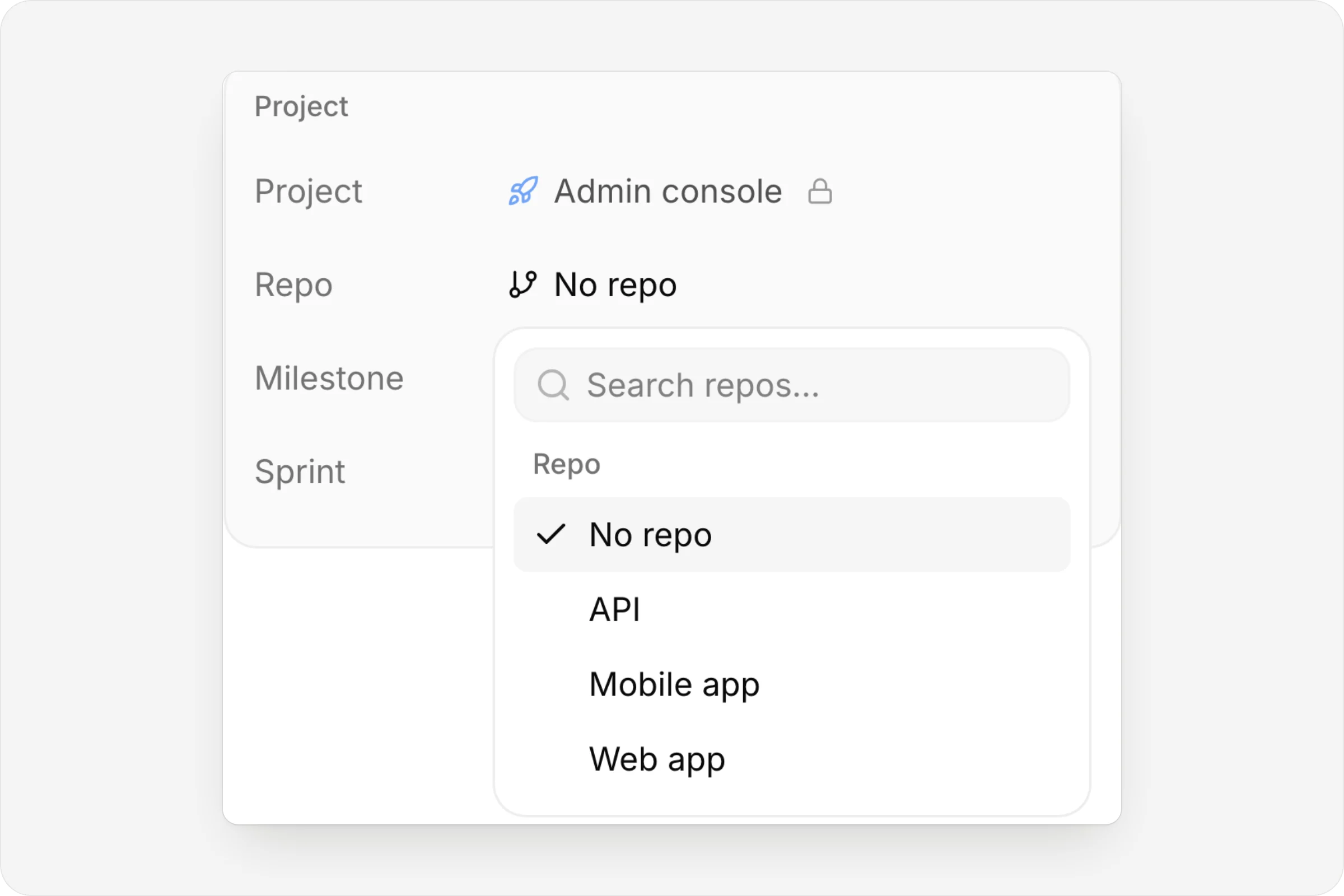
Name the repo on the issue
Every issue has a Repo property.
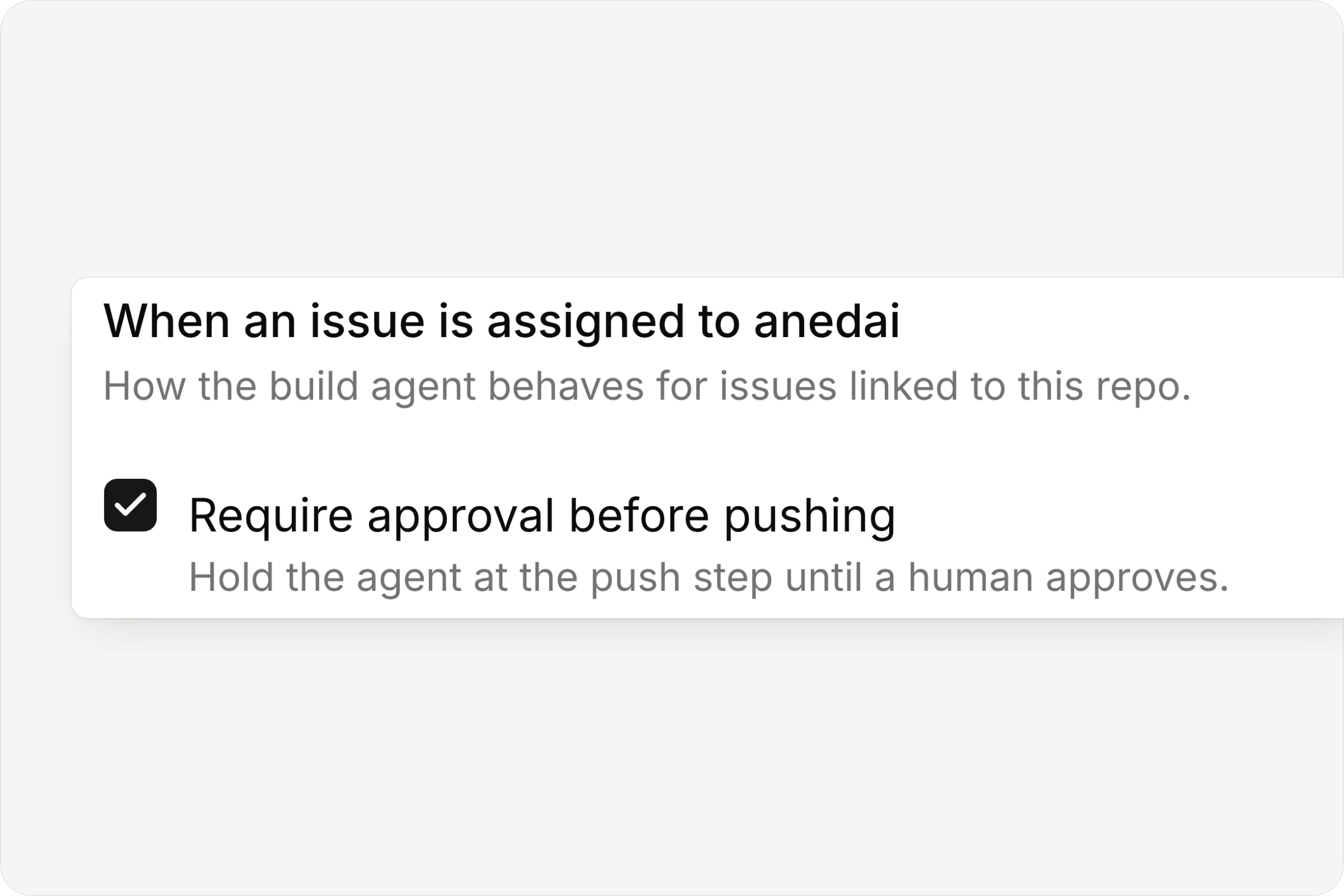
Approval where it matters
The agent posts its plan and waits for a go-ahead.
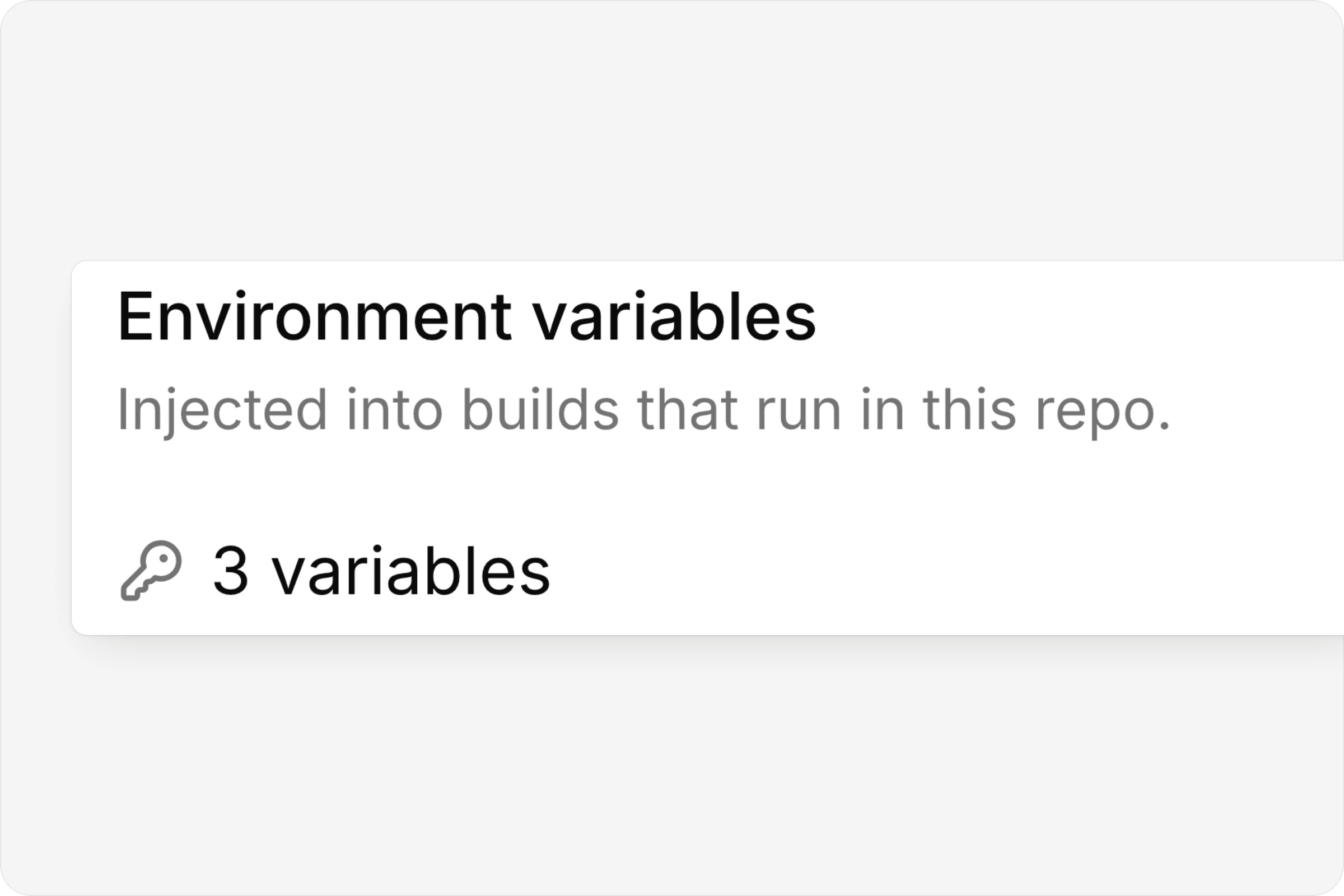
Builds run with your config
Environment variables injected into every build.
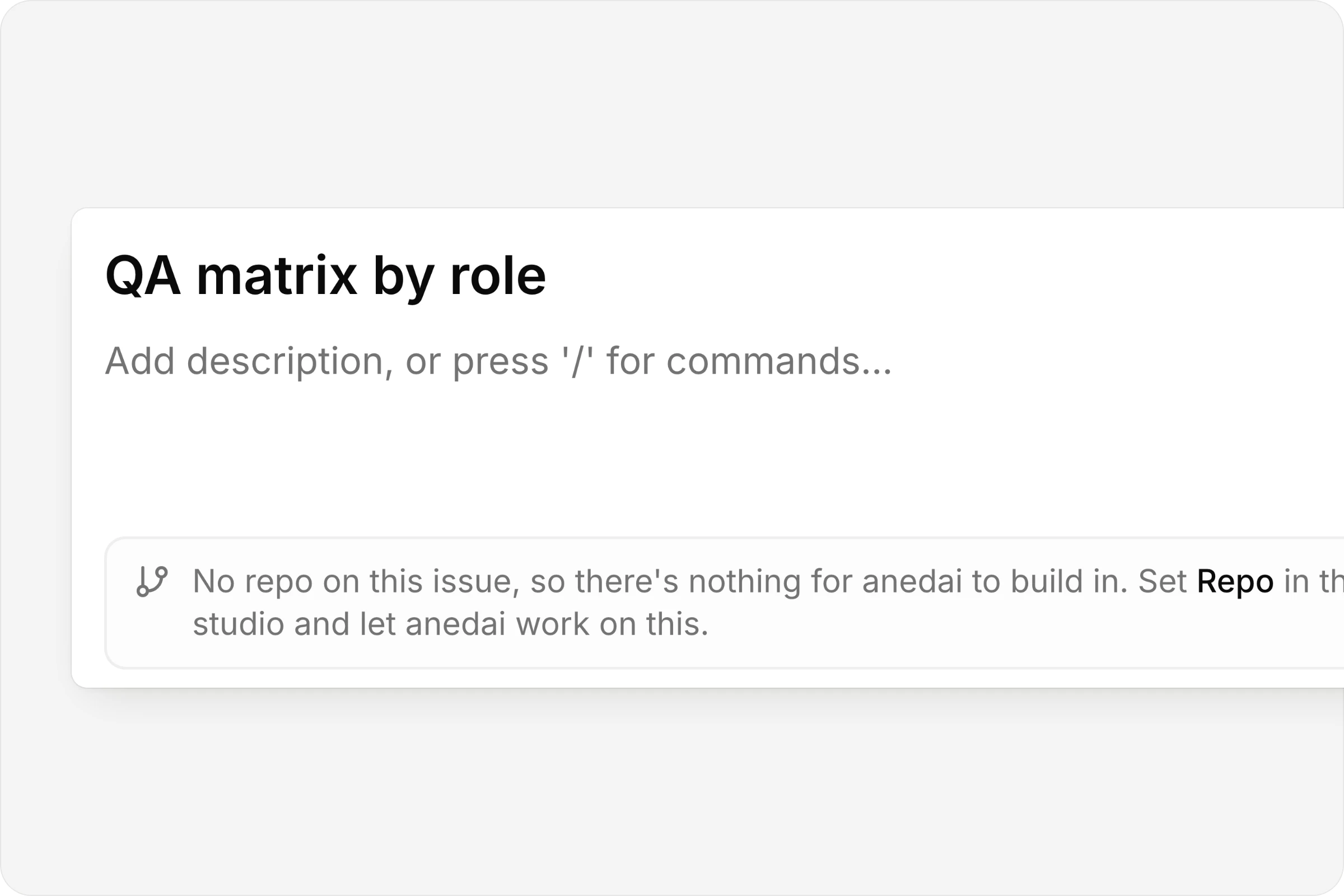
No repo, no guessing
An issue without one says so, instead of building somewhere wrong.
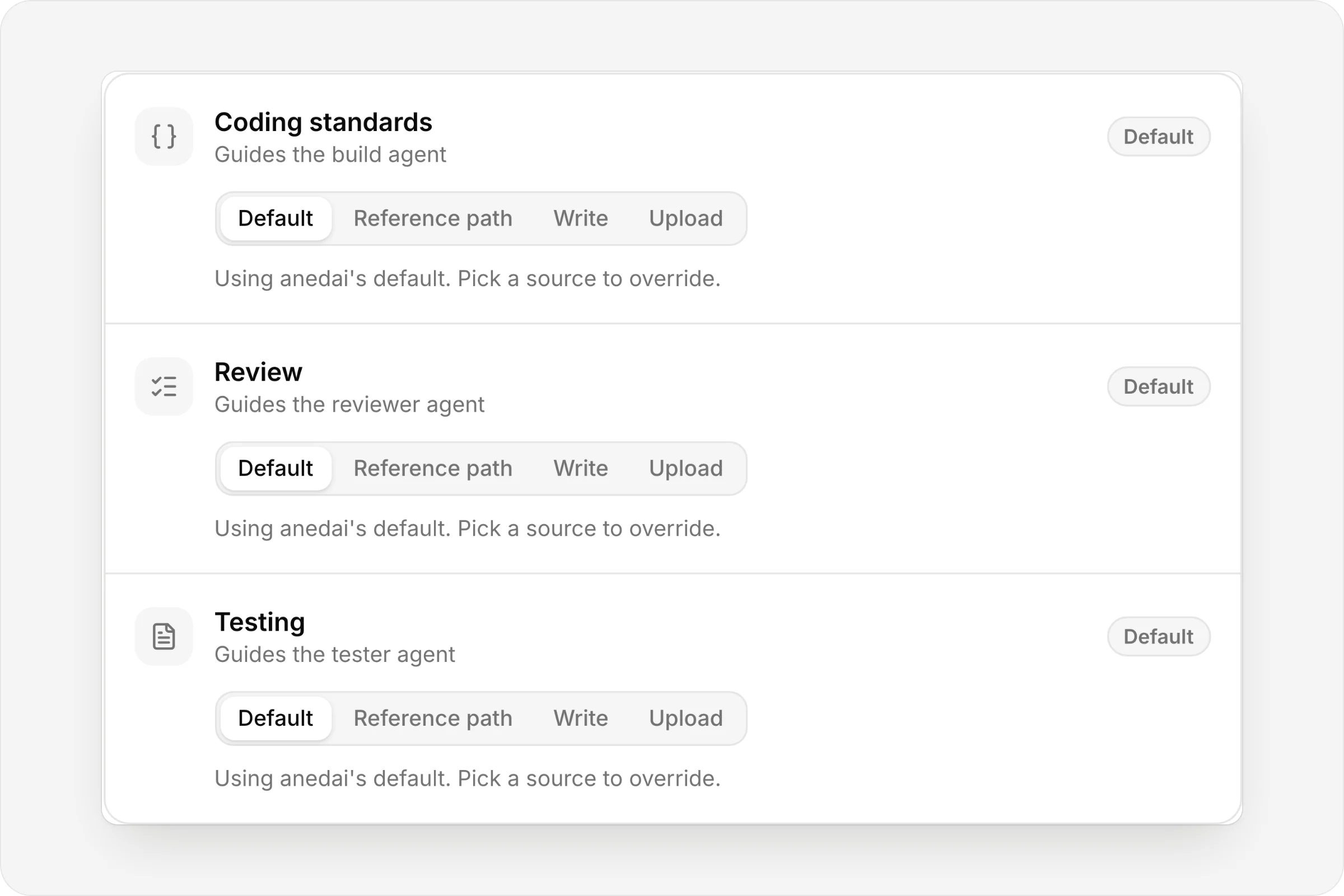
Coding, review and testing guidance
Set per repo: point at a file in the repo, write it, or upload it.
FAQ
Questions, answered.
How do I connect GitHub?
In Settings → Integrations, the workspace owner connects GitHub and chooses which repositories AnedAI can reach, all of them or only the ones selected, on GitHub's own install screen.
How many repos can a team have?
As many as it works in: a web app, an API, a mobile app. Add one on Team → Repos, or create a new repository in a GitHub organization without leaving AnedAI.
Can builds use our environment variables?
Yes. Each repo's environment variables are injected into every build that runs in it, so tests and dev servers start the way they do for your team.
What if an issue has no repo?
Aned AI says so on the issue instead of guessing.
Does it push to our default branch?
No. Every run cuts its own branch from the default branch, named after the issue, and arrives as a pull request.


One connected product memory for the people and AI building your product.
Bring your tools, your docs and your team. AnedAI keeps the story between them.