AI skills
Write your instructions once.
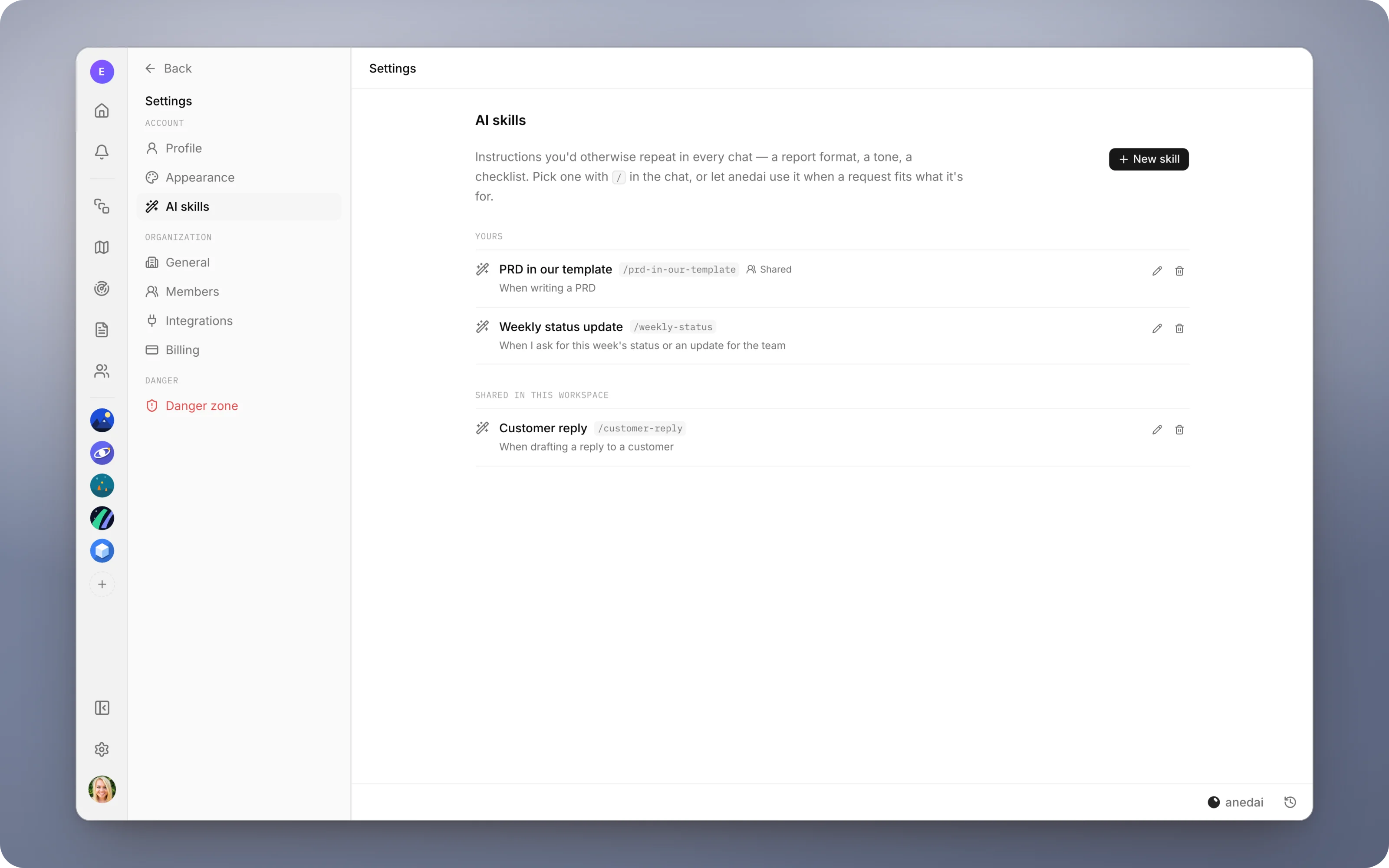
Write your instructions once (a report format, a tone, a checklist) and use them in any chat, without typing them again.
Why AI skills
Why it saves time.
- 01
Stop repeating yourself.
The instructions you type every week become one click.
- 02
Consistent output across the team.
A shared skill gives everyone the same PRD structure, the same status format and the same customer tone.
- 03
It works without you remembering.
Because anedai matches requests to skills by their description, the right instructions apply even when you forget to pick them.
- 04
Easy to improve.
Refine a skill once and every future chat benefits.
What it does
Inside AI skills.
- 01
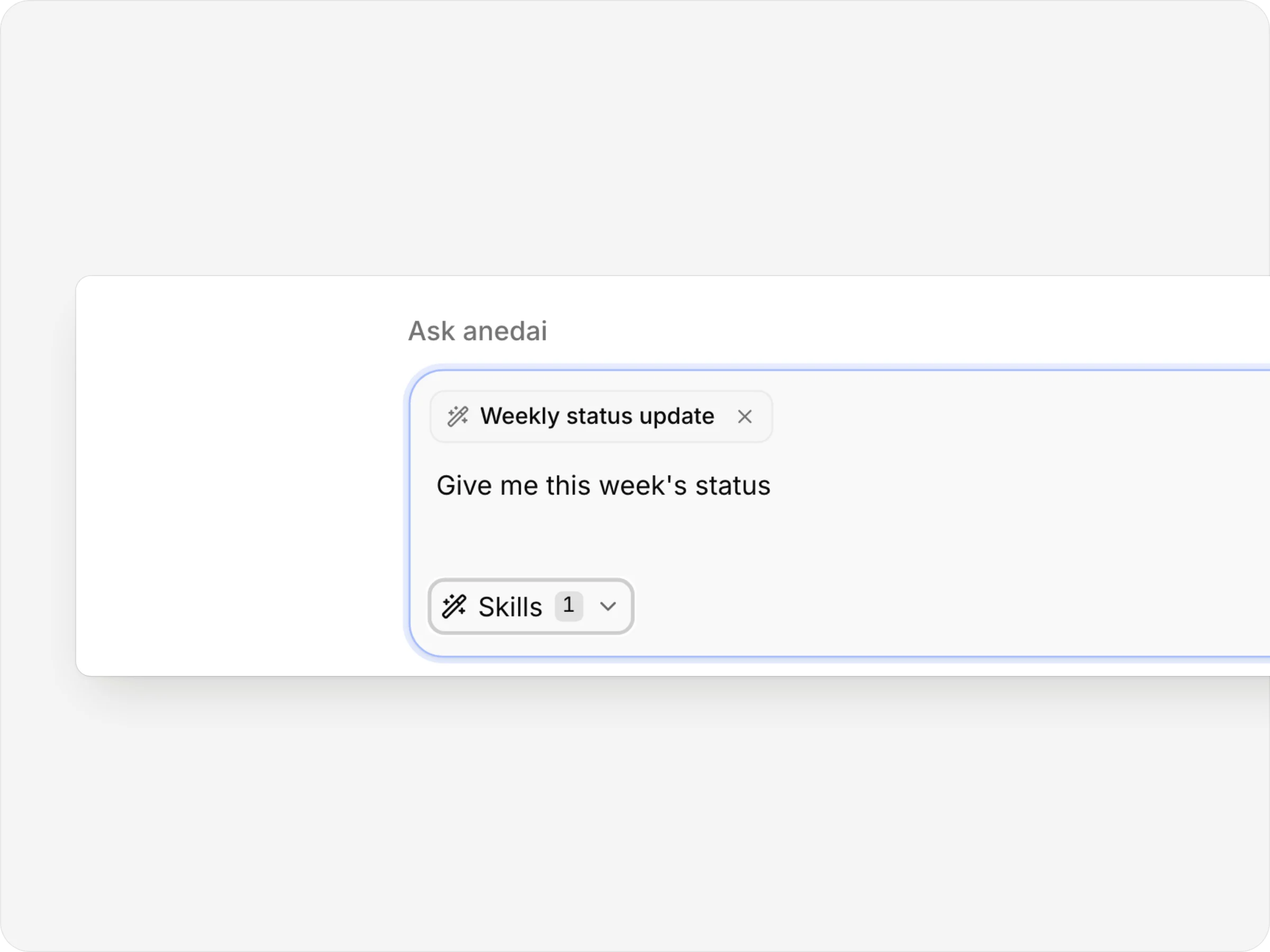
Pick one for this message
A skill picked for the message sits as a chip above the input.
- 02
Or let anedai choose
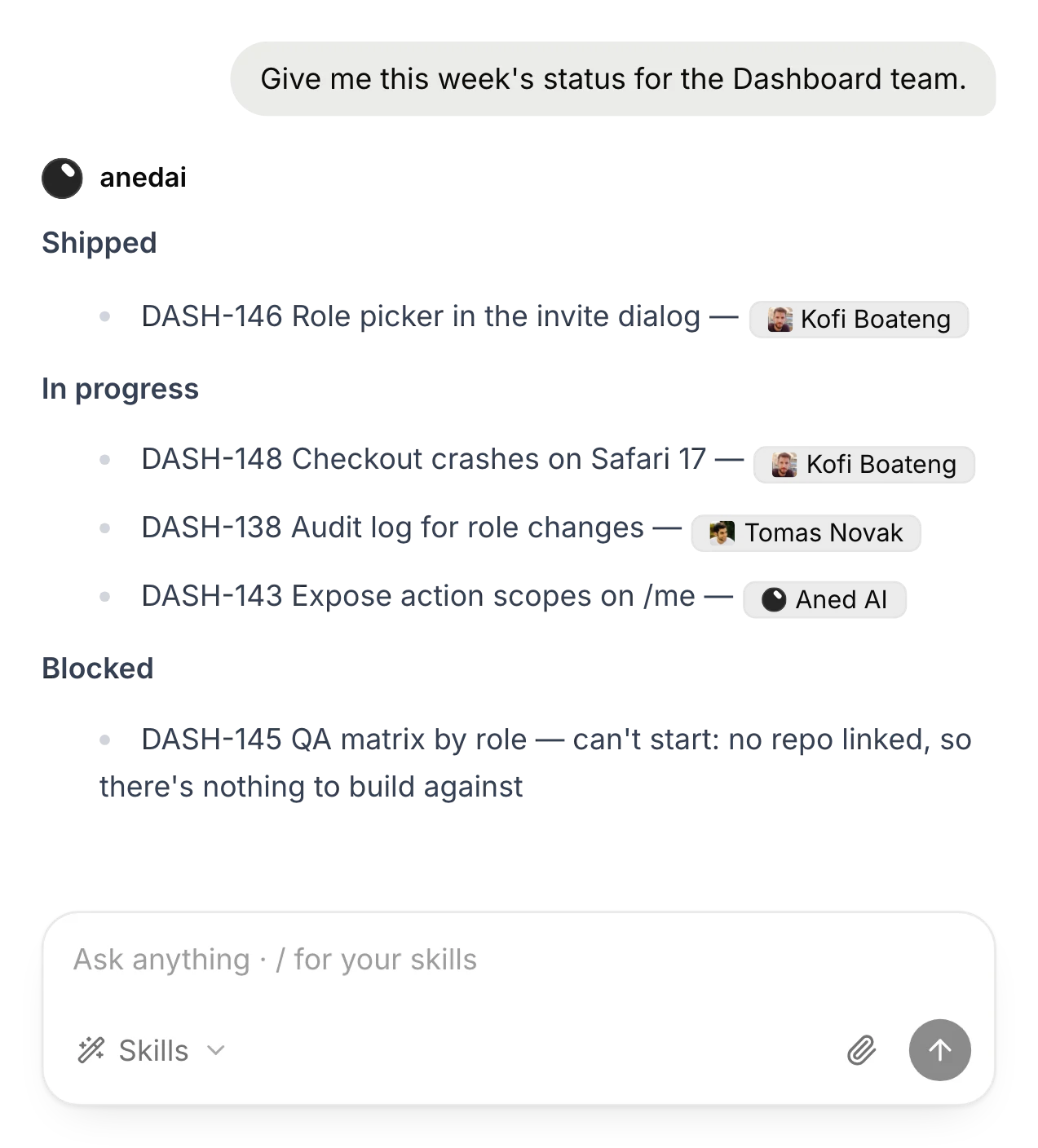
“Give me this week's status” picked up the Weekly status update skill on its own.
- 03
Yours, and your team's
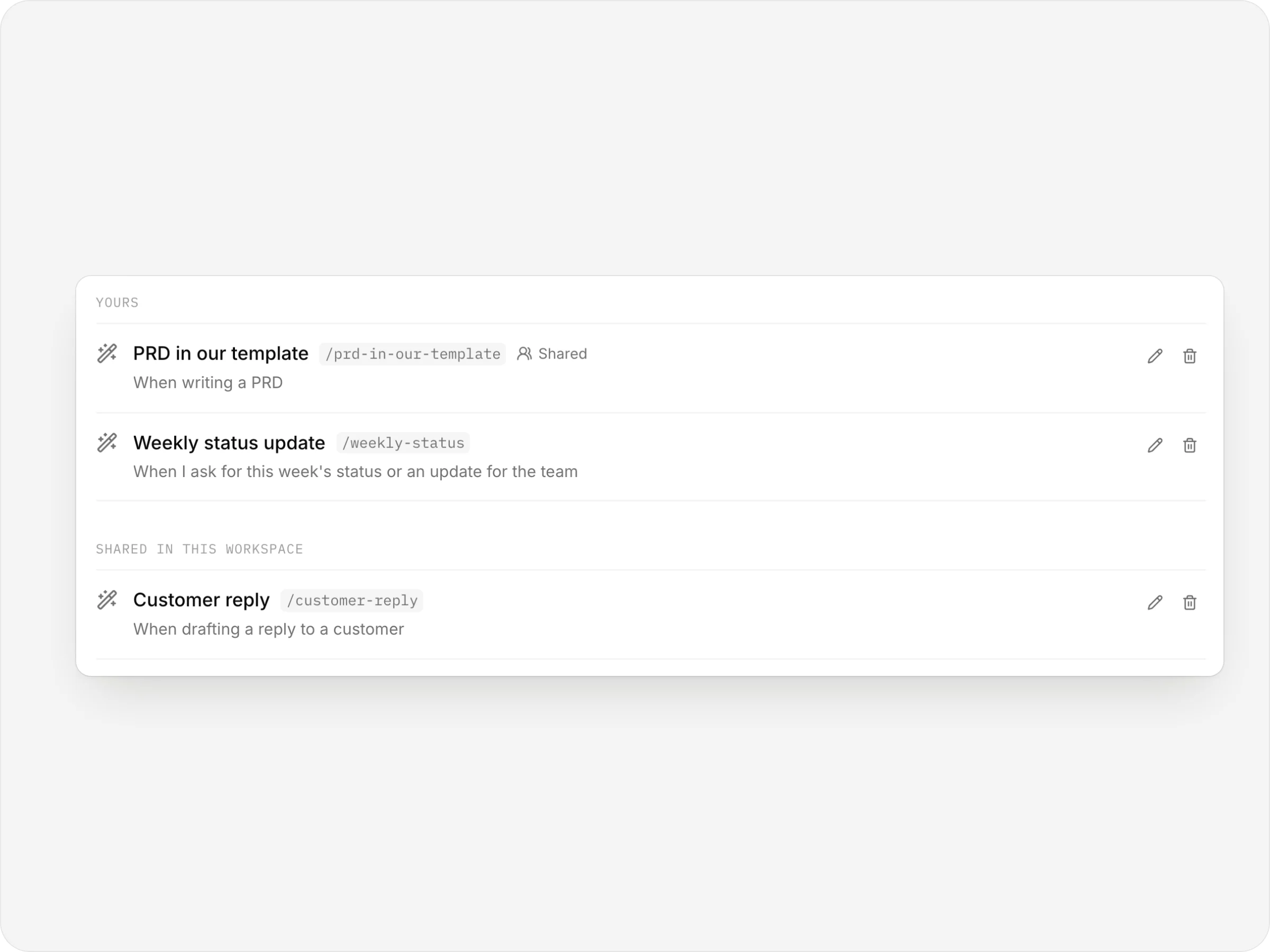
Your skills and the ones shared in the workspace, each with its /command.
anedai AI
Your way, every time.
Skills shape how anedai does the work: format, tone and steps. They never widen what it's allowed to see or do.
Weekly status, in your format
Matched from the skill's description, without you picking it.
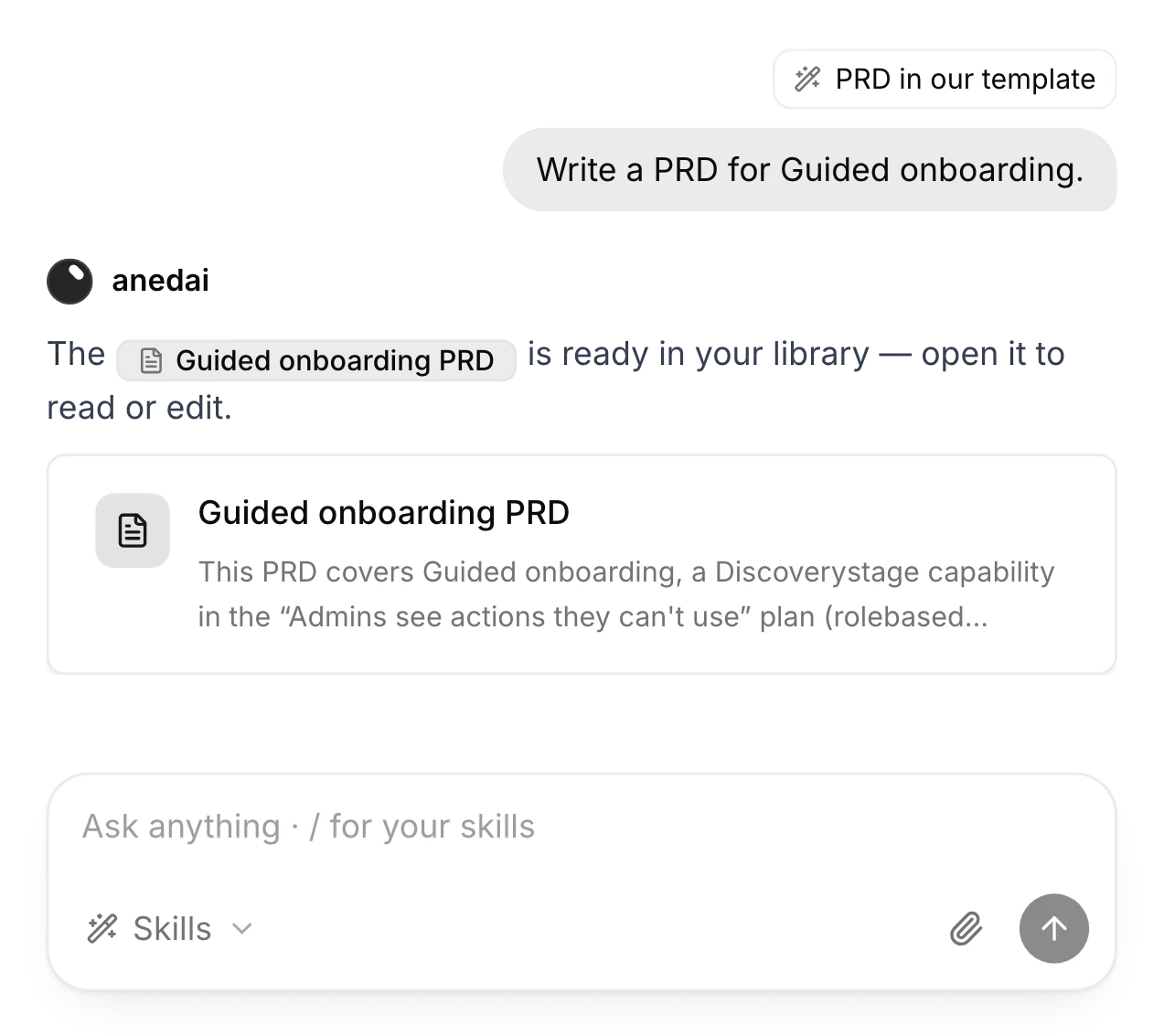
Your PRD template
A /command applies your template to the document it writes.
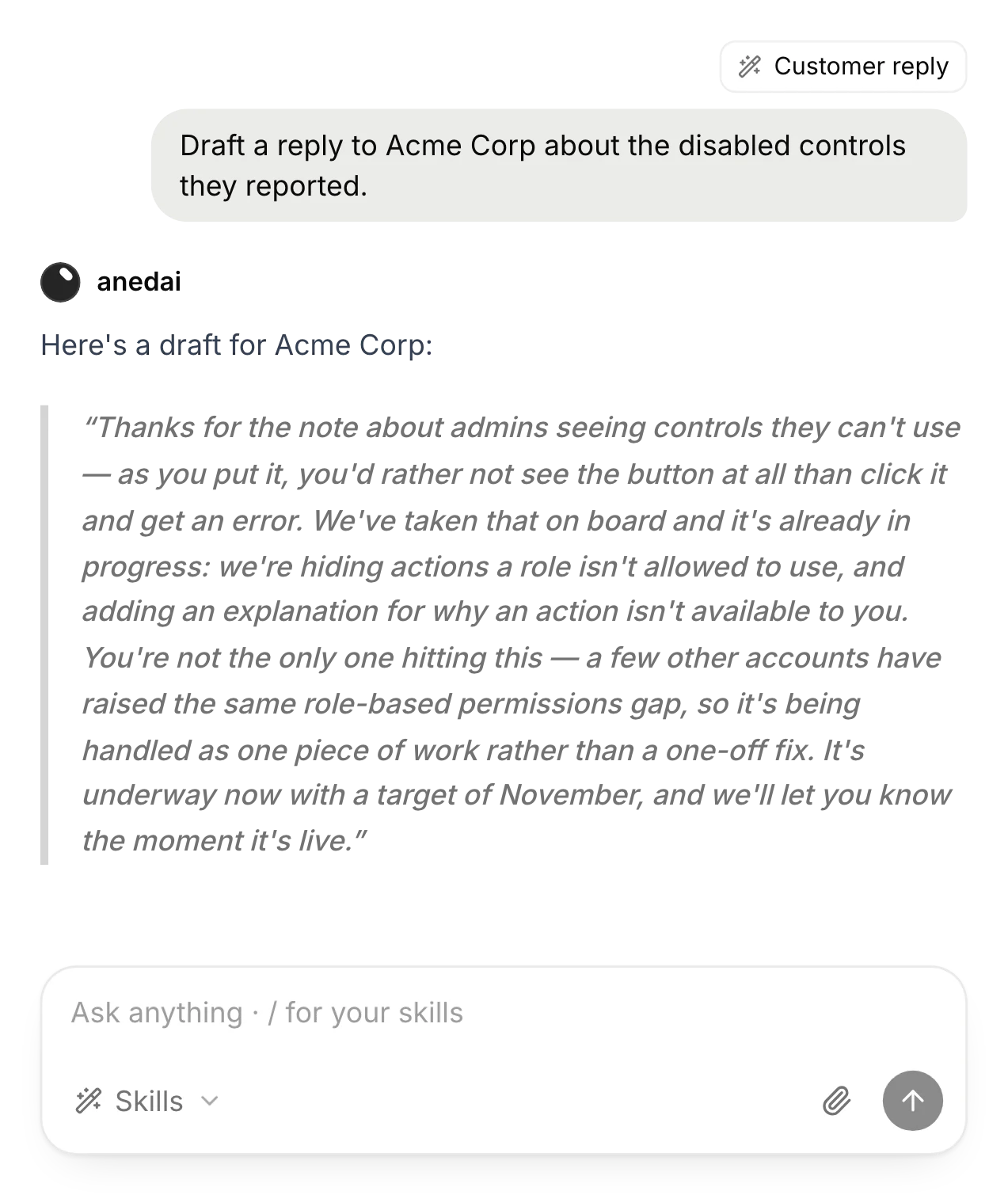
The team's customer tone
A shared skill keeps every reply in the same voice.
The details
Small things that add up.
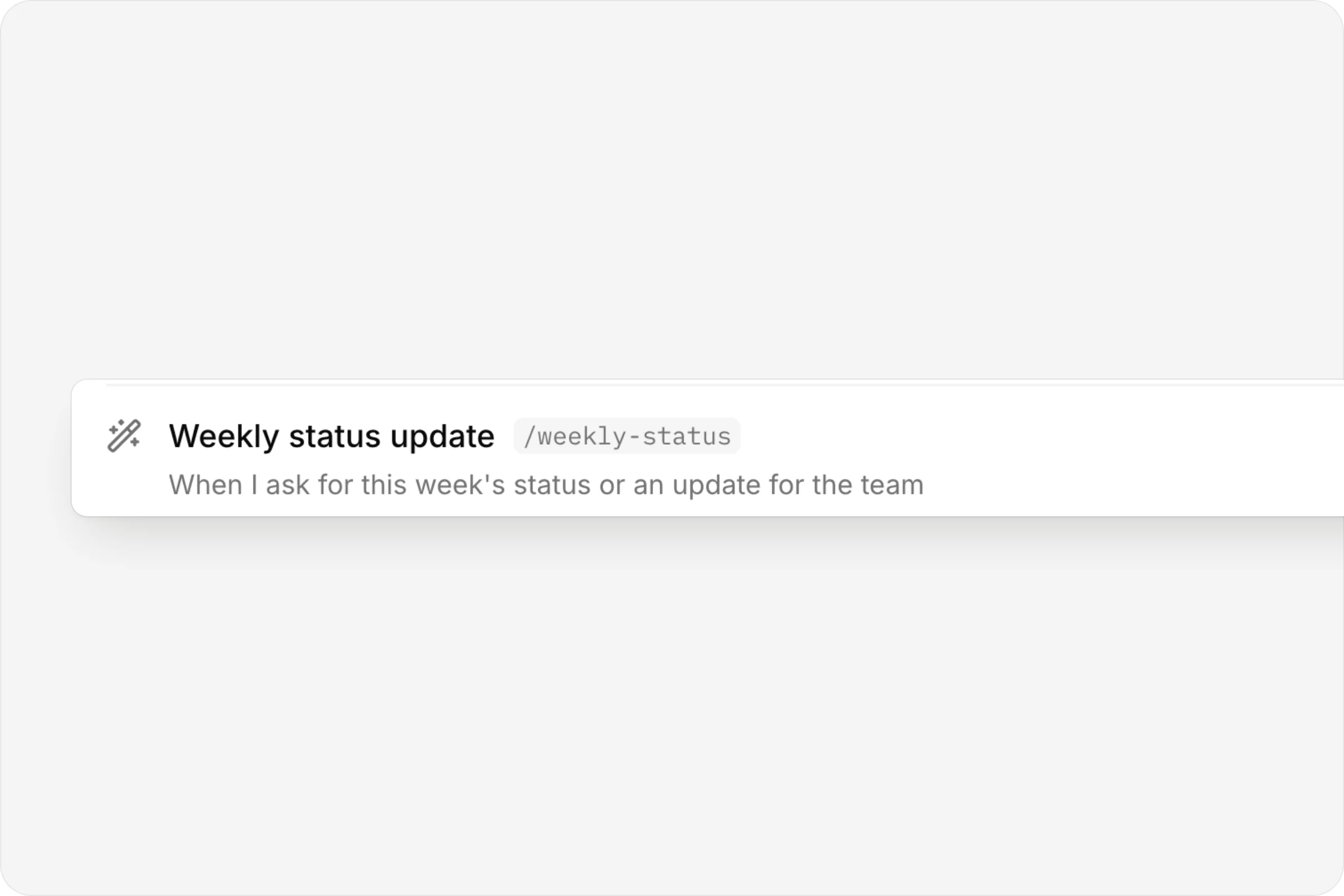
A /command each
Weekly status update, /weekly-status.
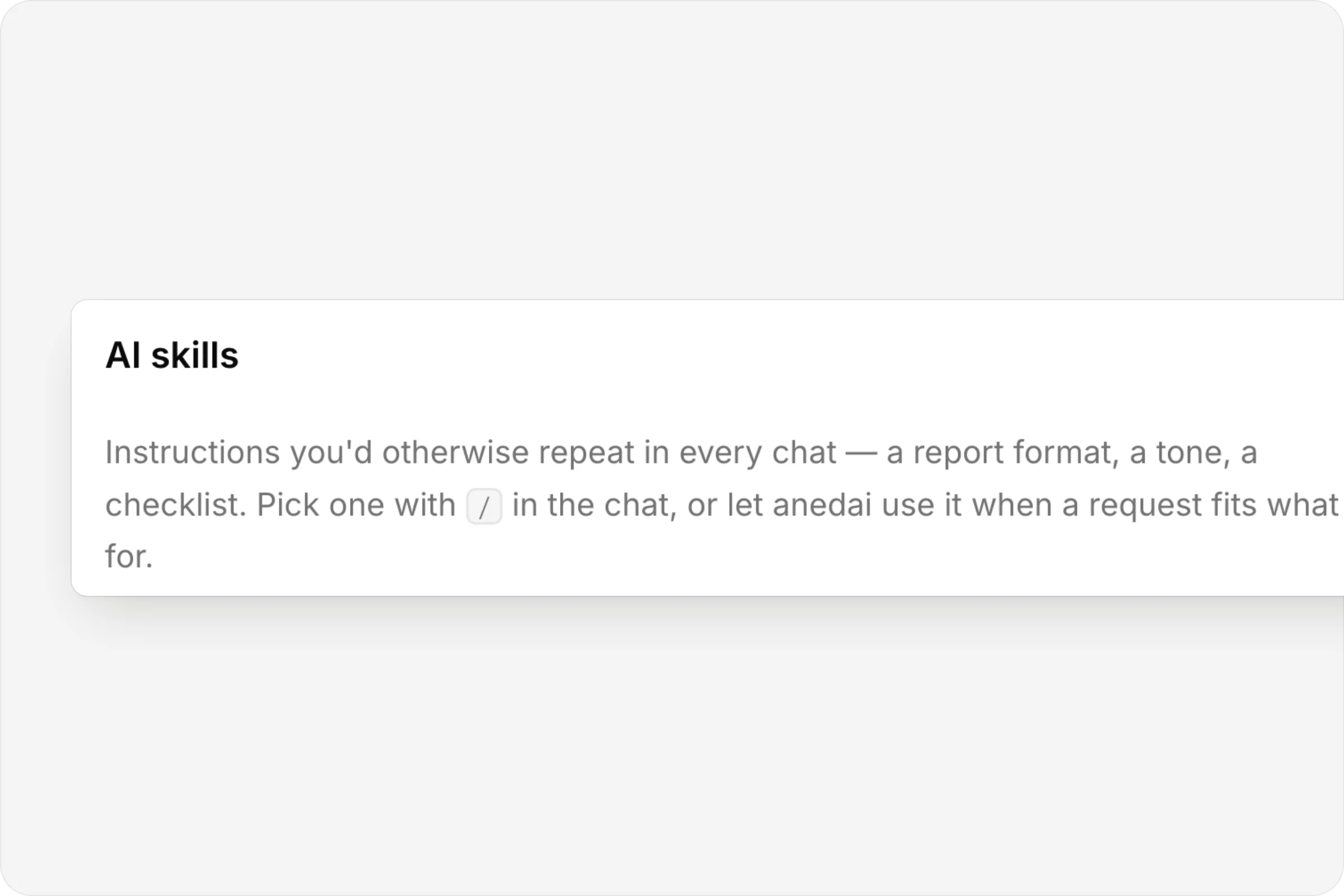
Write it once
The AI skills page, in Settings.
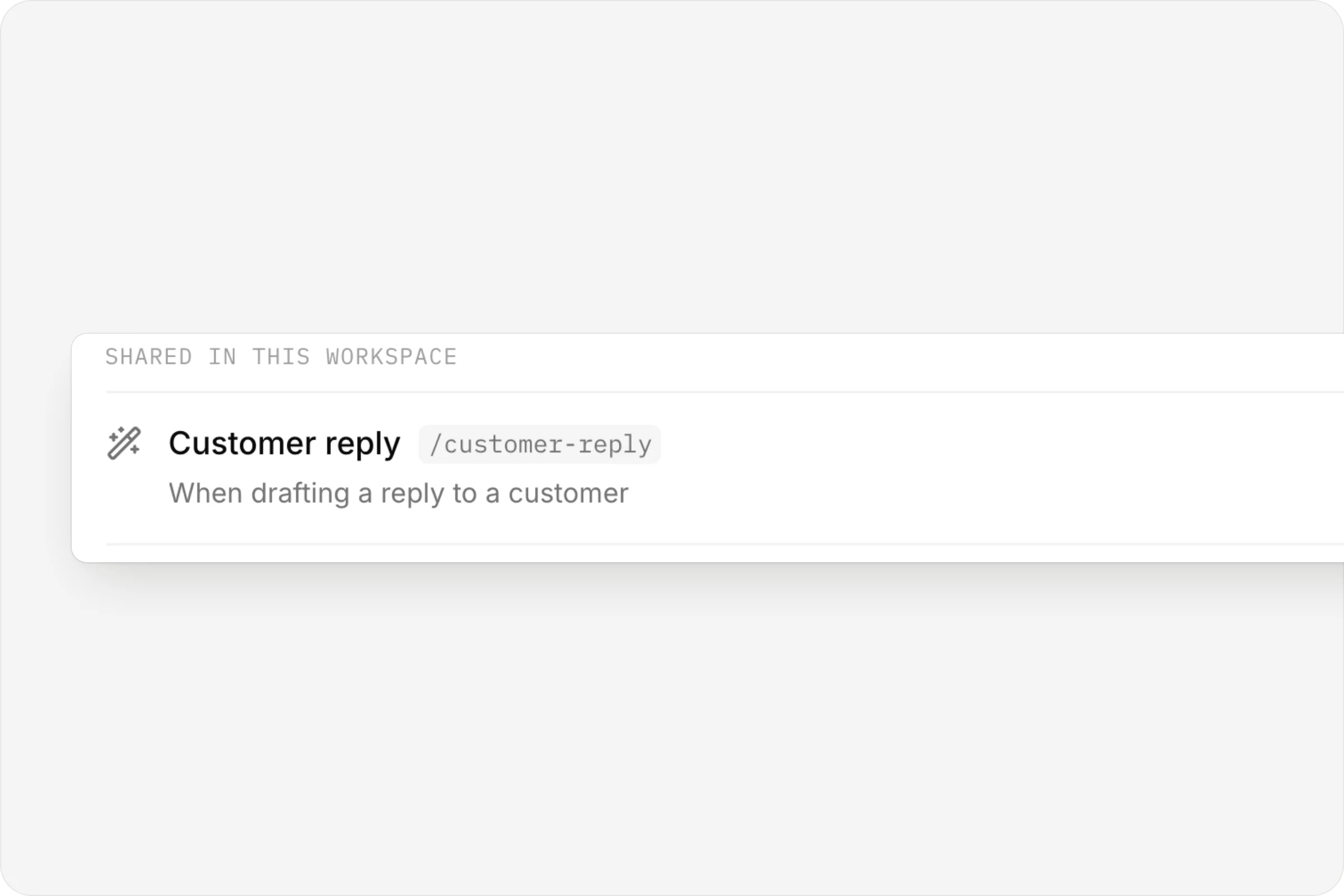
Shared with the workspace
A teammate's Customer reply skill, ready for everyone.
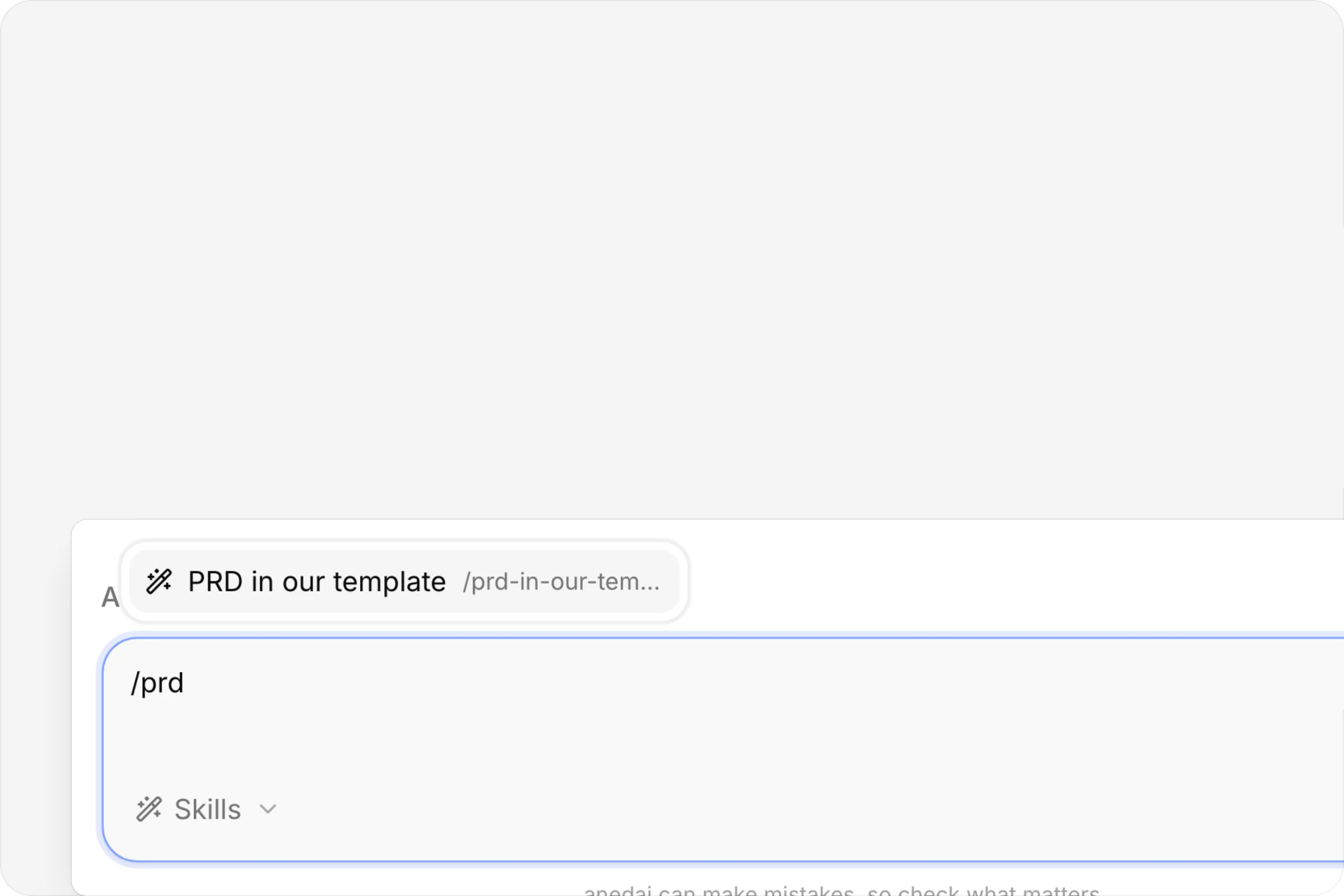
Type / to find one
The / menu in the composer.
FAQ
Questions, answered.
Who can see my skills?
Personal skills are private to you. Turn on Share with the workspace and everyone in it can pick the skill, and anedai can use it in their chats.
Can a skill give anedai more access?
No. A skill shapes how anedai does the work, never what it's allowed to do or see.
How many skills can I use at once?
Up to three per message.
Who can edit a shared skill?
Only its owner can edit it or change who it's shared with. Workspace admins can edit or remove a shared skill.


One connected product memory for the people and AI building your product.
Bring your tools, your docs and your team. AnedAI keeps the story between them.